Inside the SEMS Platform
Explore the real site dashboard, electrical equipment tabs, plant layouts, device profiles, curve ranges and ticket views. Open any image to inspect it at full size.
Empty charts and fault lists reflect the application at capture time. The empty Weather tab and identifying Location map are excluded from public images.
Real SEMS application screens. Private information has been masked; readings reflect the capture time.
SEMS PLATFORM · 01
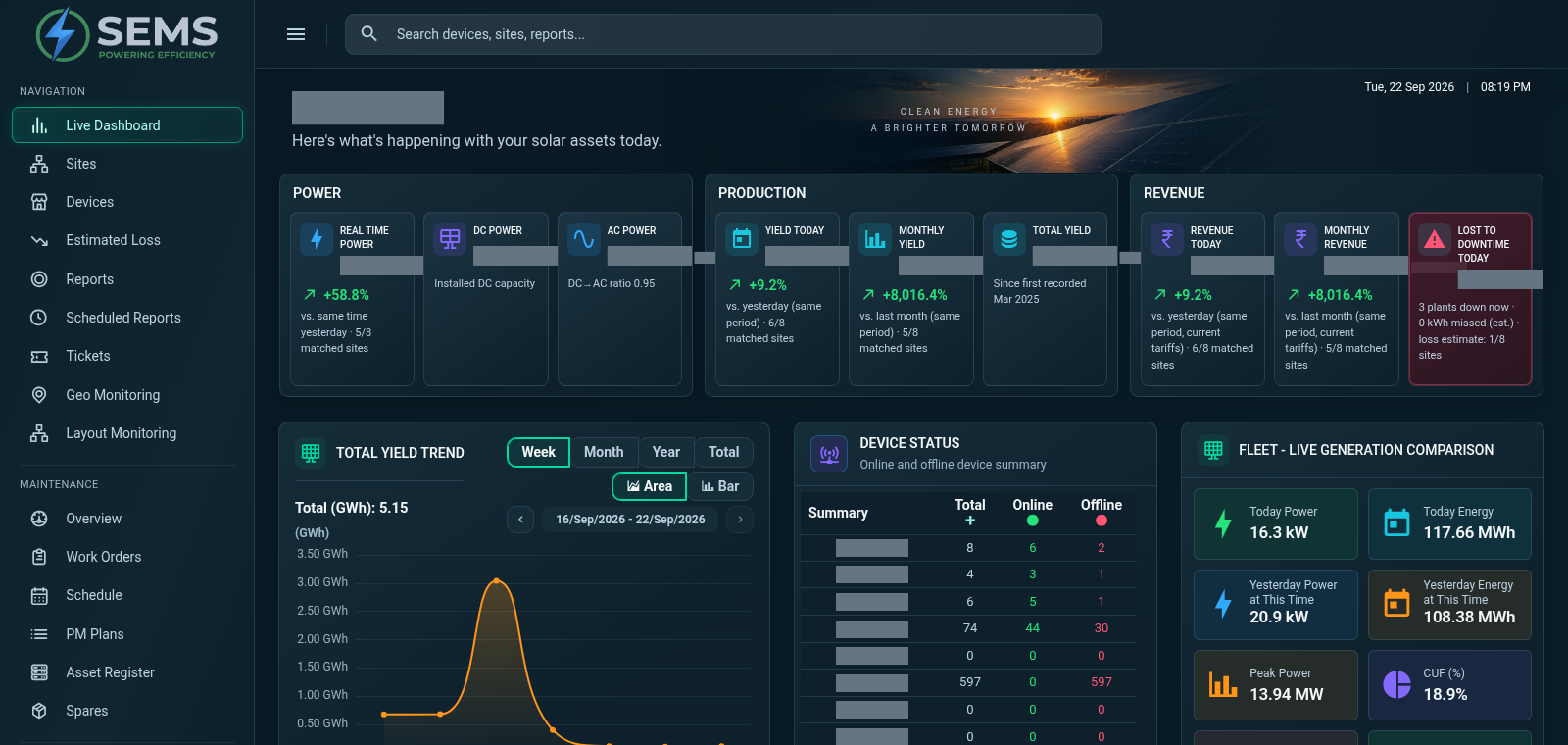
Main Dashboard
Review power, production and site performance from a centralized dashboard. The site summary brings electrical readings, energy and yield indicators together.
SEMS PLATFORM · 02
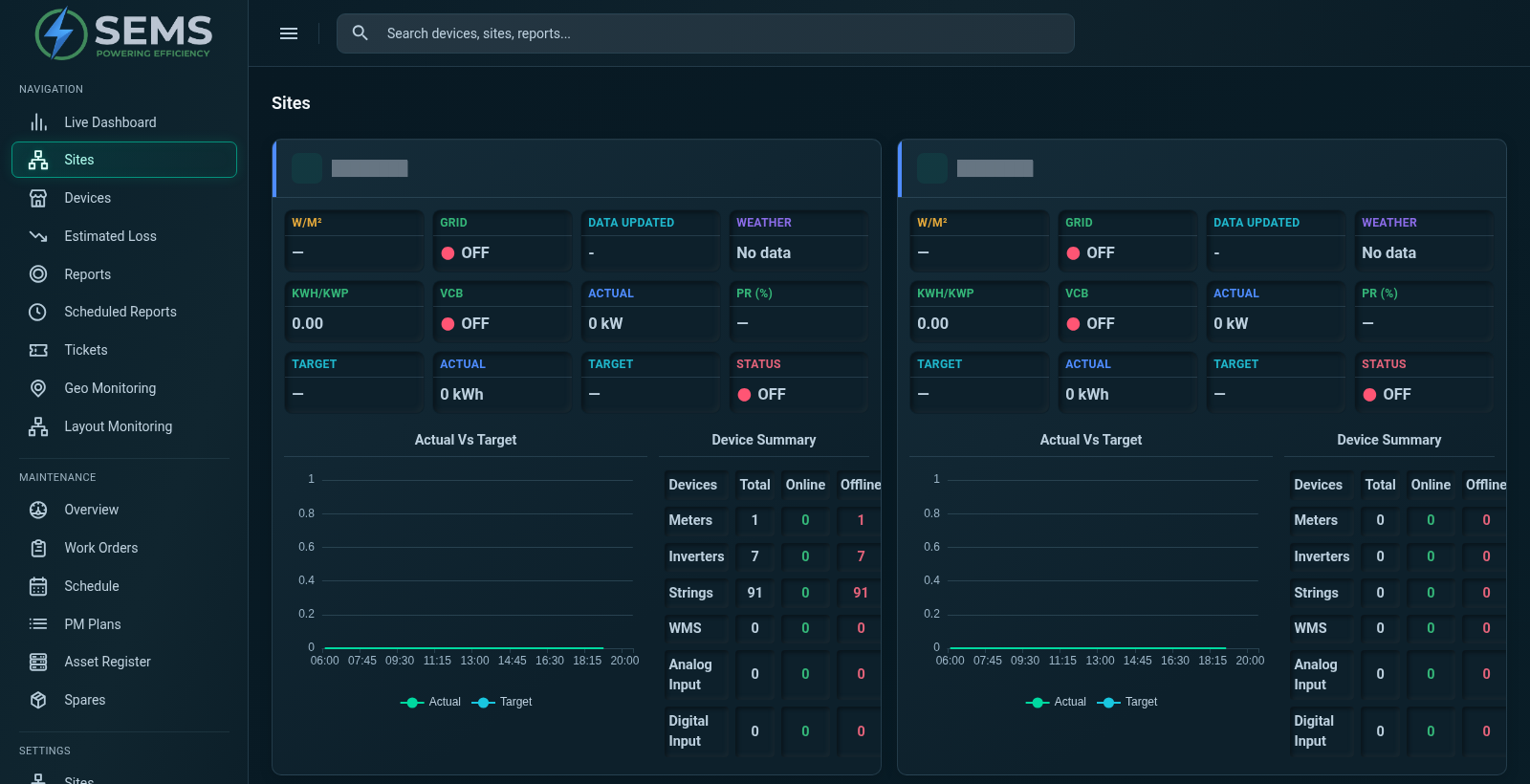
Site Overview
Compare site overview cards with equipment status, actual-versus-target charts and counts of connected device types.
SEMS PLATFORM · 03
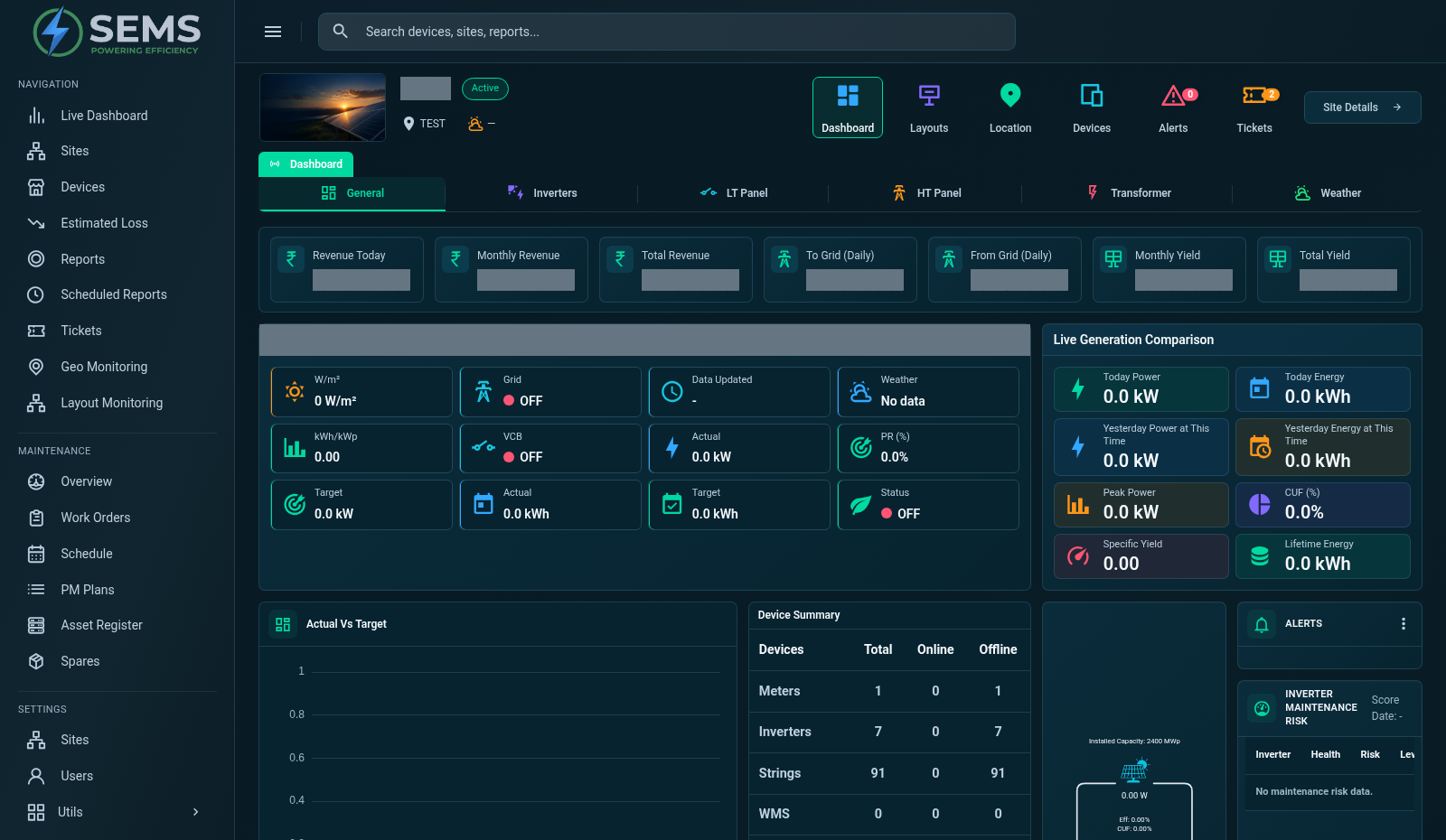
Site Monitoring
Explore a site's generation dashboard, equipment categories and performance indicators. Move between the visible dashboard, devices and alerts views.
SEMS PLATFORM · 04
Device Monitoring
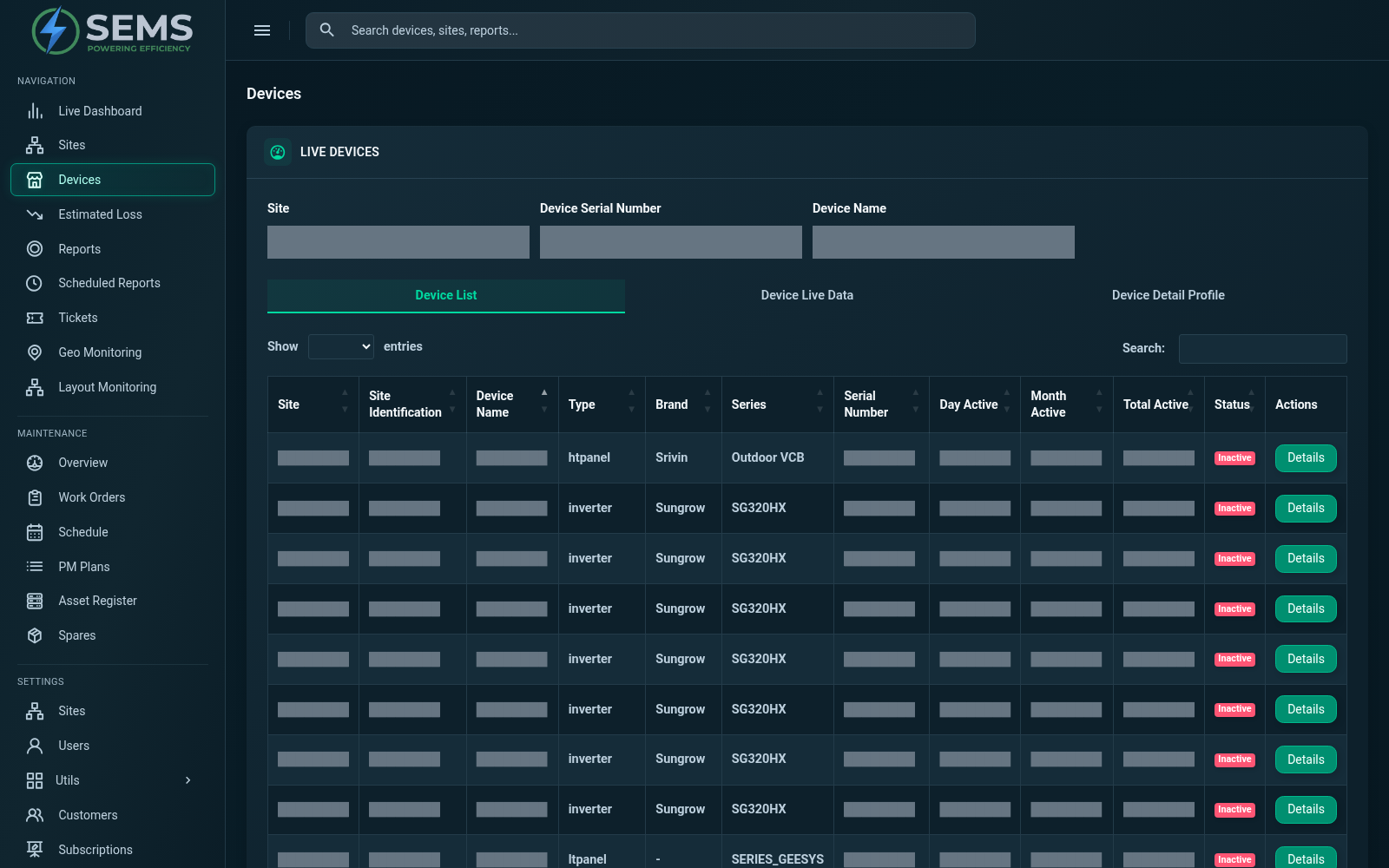
Browse connected equipment by site, device name and serial-number filters. Review device types, brands and activity status from the device list.
SEMS PLATFORM · 05
Alerts & Alarms
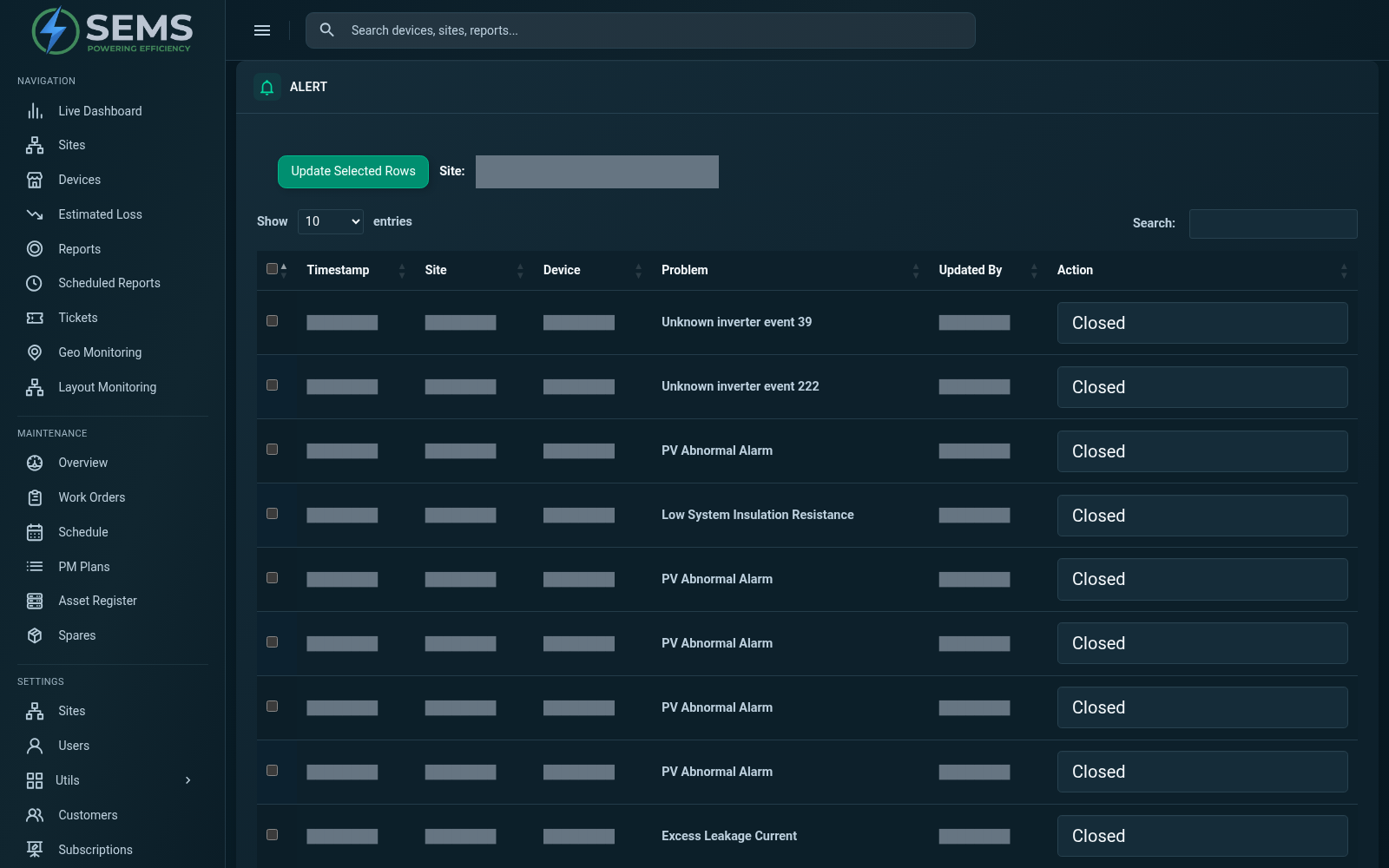
Review recorded equipment problems and their current status in the alarm history. Site filters help narrow the view to the equipment you need to investigate.
SEMS PLATFORM · 06
Analytics & Reports
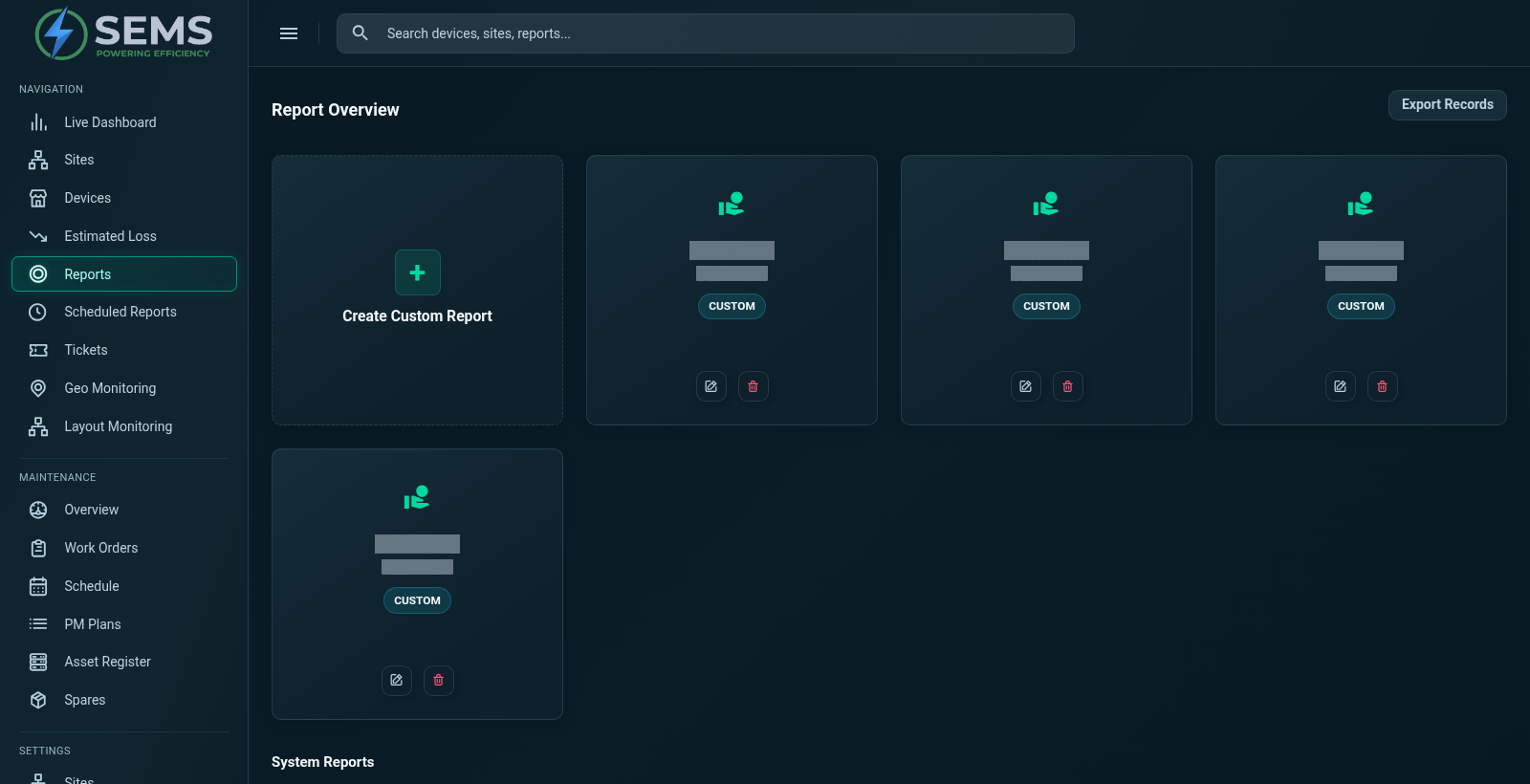
Access plant, yield and device report categories from the report overview. Existing custom reports appear alongside the system report options.
SEMS PLATFORM · 07
Performance Insights
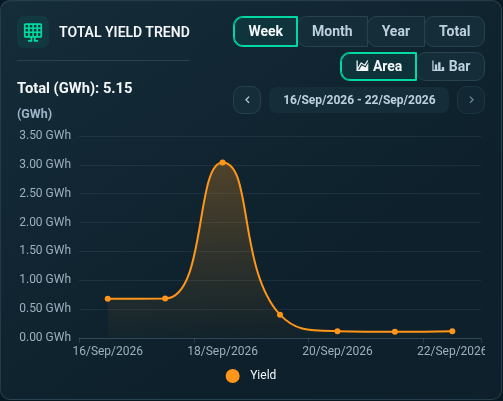
Explore generation over time with the total-yield trend. The interface includes week, month, year and total ranges, plus area and bar chart views.
SEMS PLATFORM · 08
Live Energy Monitoring
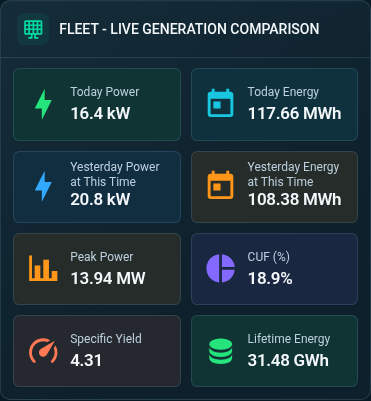
Review the fleet's live generation comparison, including today's power and energy, previous-day comparisons, peak power and specific yield.
SEMS PLATFORM · 09
Site Dashboard · General
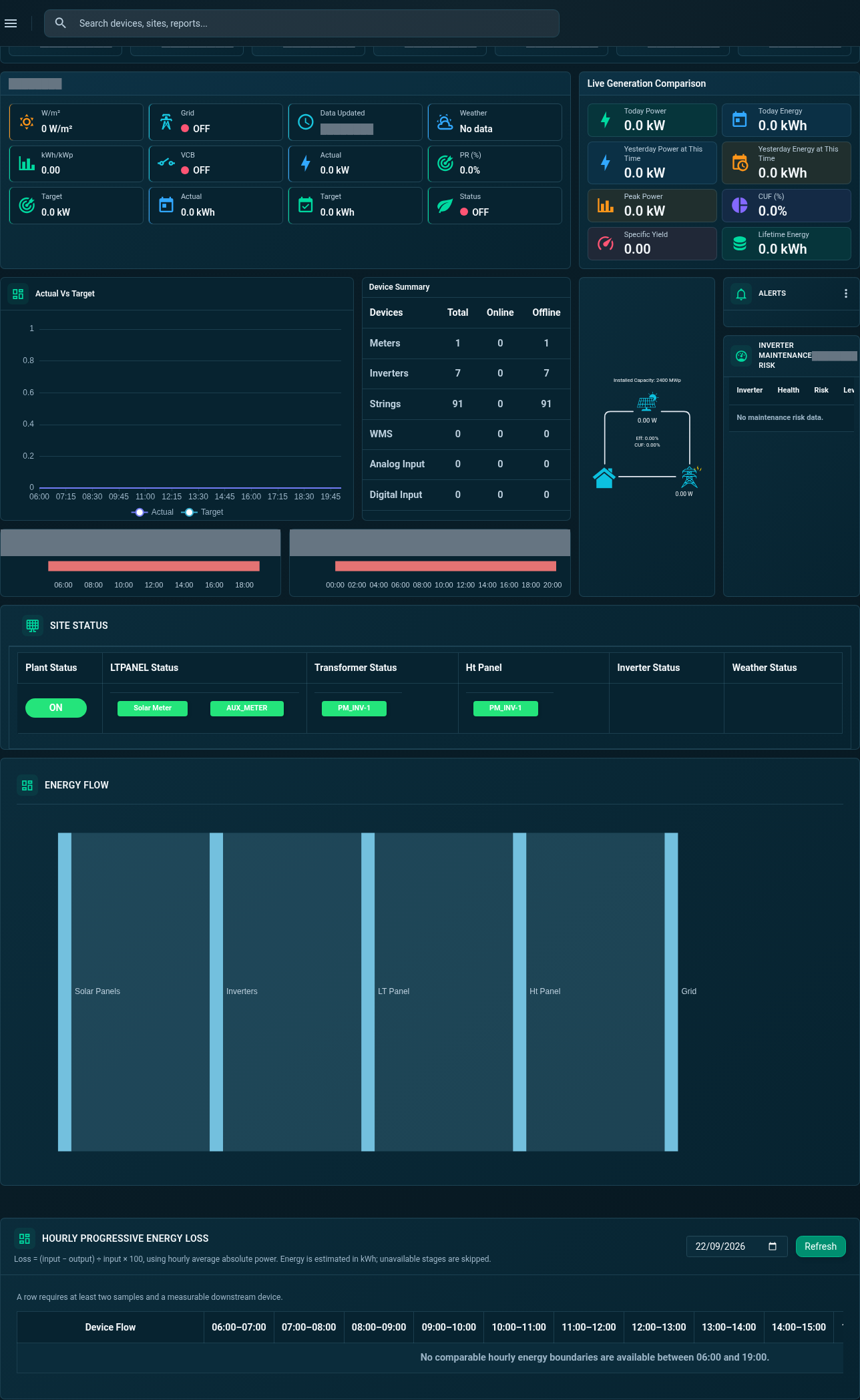
Review actual-versus-target generation, device summaries, operational status and energy information in the General dashboard.
SEMS PLATFORM · 10
Site Energy Flow
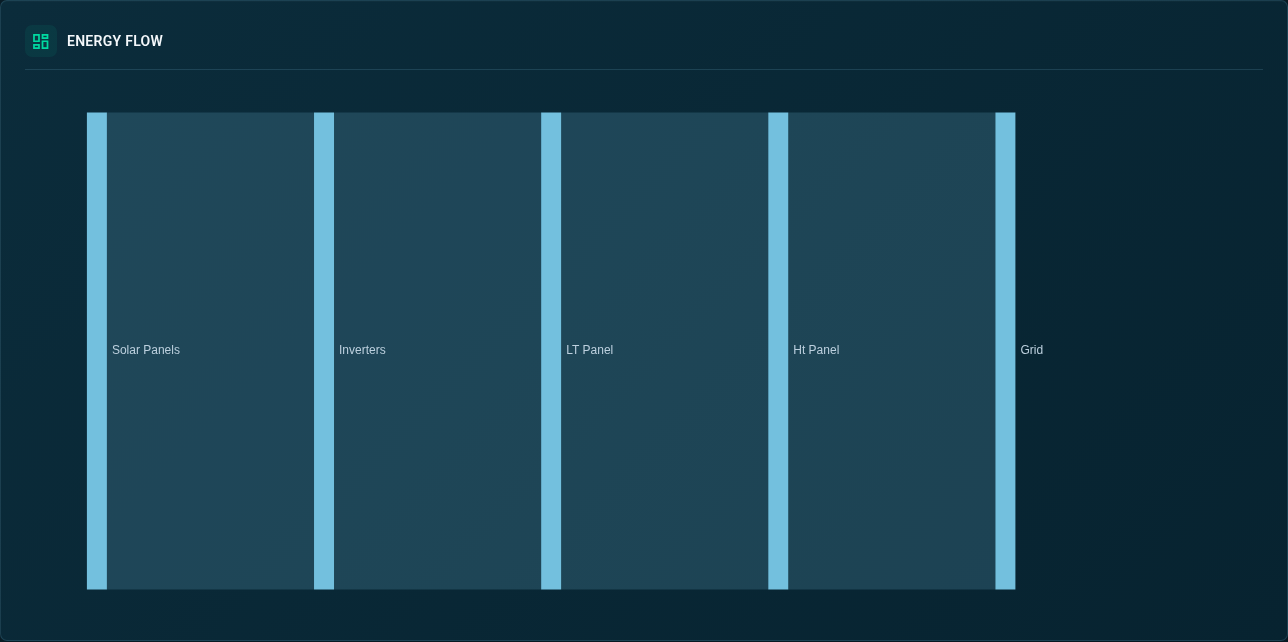
View the energy-flow diagram linking solar generation, grid and load information.
SEMS PLATFORM · 11
Inverter Maintenance Risk
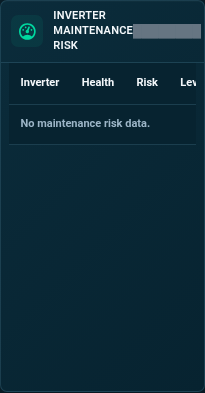
Review the inverter maintenance-risk table, including its health, risk and level columns.
SEMS PLATFORM · 12
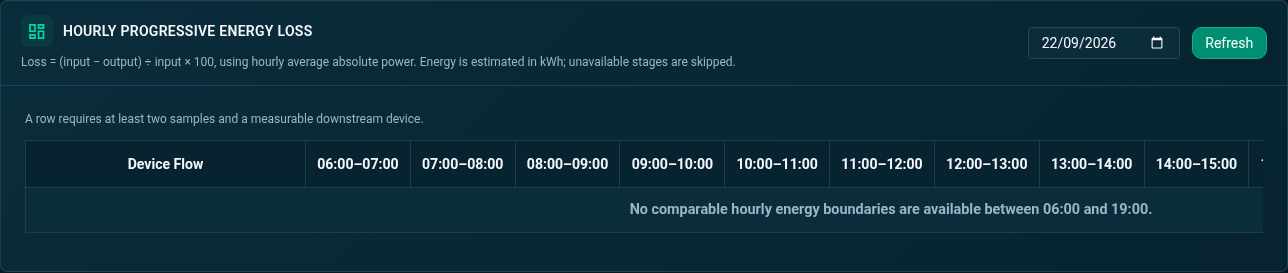
Hourly Progressive Energy Loss
Inspect hourly energy-loss information across the device flow in the site dashboard.
SEMS PLATFORM · 13
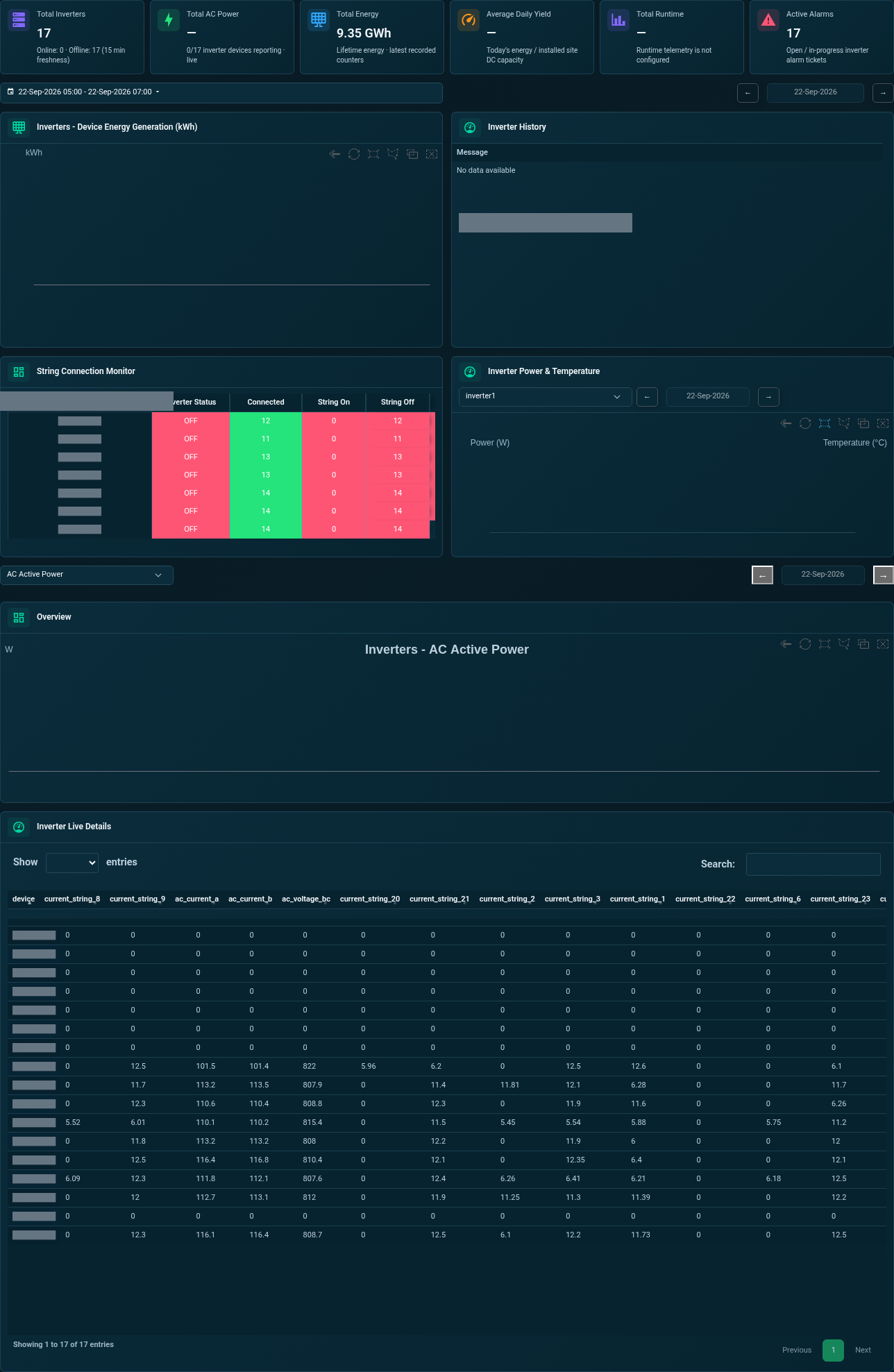
Site Dashboard · Inverters
Explore generation comparisons, connected strings, temperature charts and live inverter readings from one tab.
SEMS PLATFORM · 14
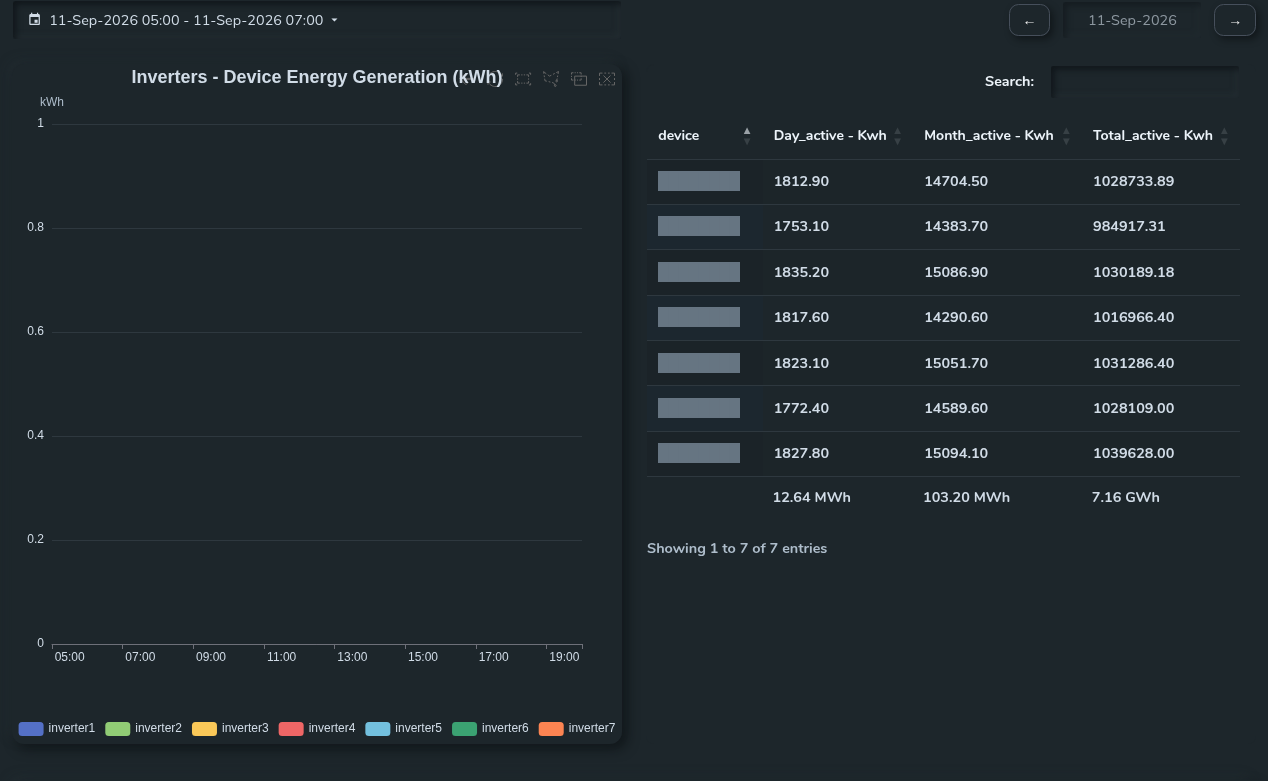
Inverter Generation Comparison
Compare inverter generation curves with the daily, monthly and total energy table.
SEMS PLATFORM · 15
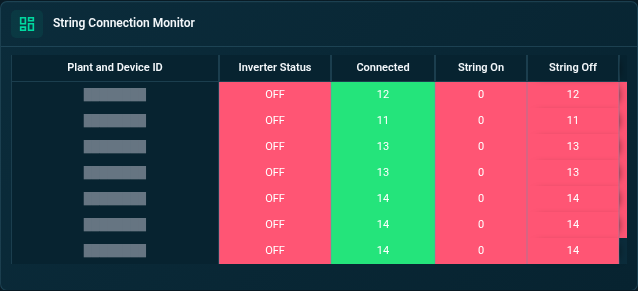
Inverter String Connection Monitor
Review connected strings and inverter status in the string connection monitor.
SEMS PLATFORM · 16
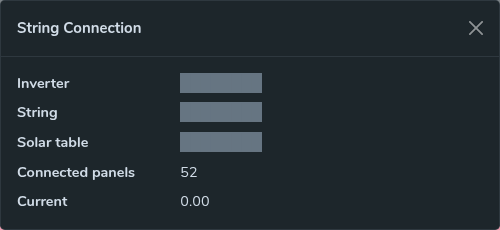
String Connection Details
Inspect the selected string’s associated inverter, panel count and current reading. Identifying labels are masked.
SEMS PLATFORM · 17
Inverter Temperature Chart
Review the inverter temperature chart using the available date controls.
SEMS PLATFORM · 18
Inverter Live Power Chart
Follow an inverter’s power chart and choose a viewing date and device.
SEMS PLATFORM · 19
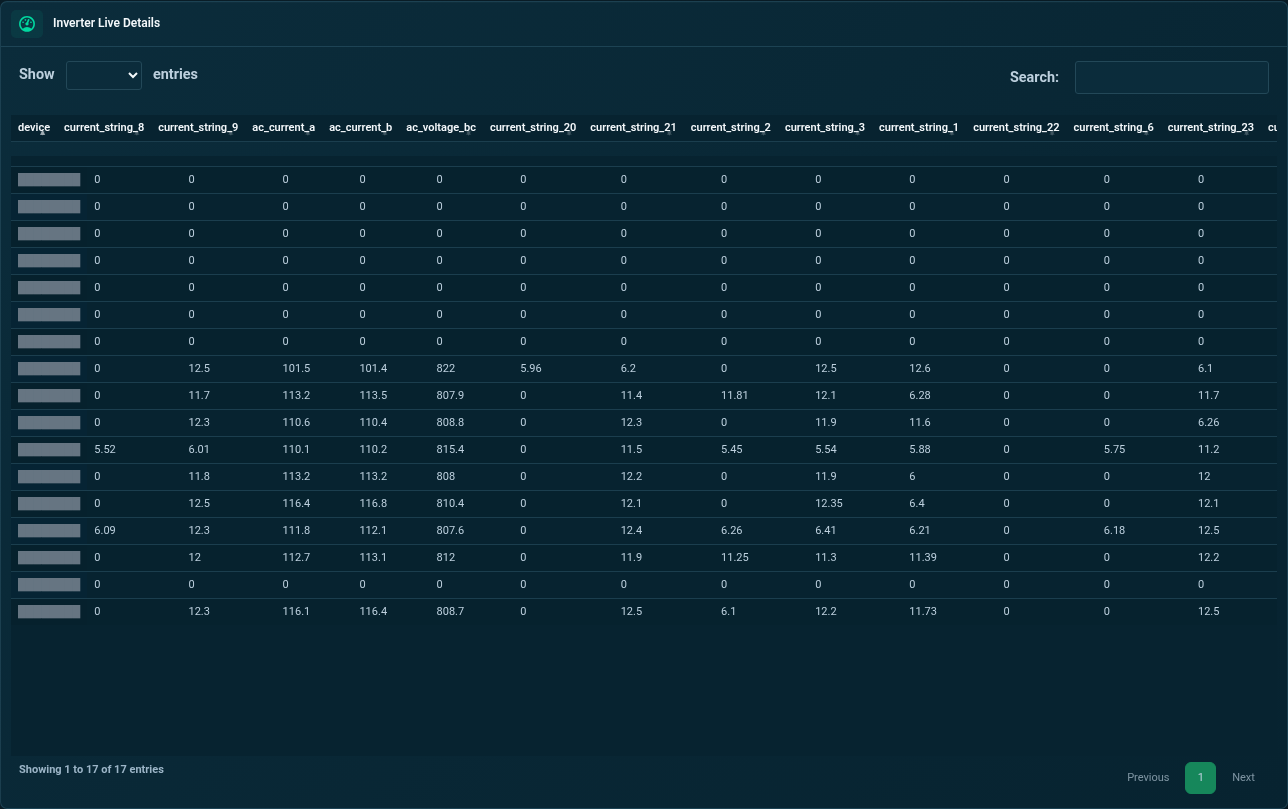
Inverter Live Readings
Inspect the inverter live-data table with electrical and energy readings.
SEMS PLATFORM · 20
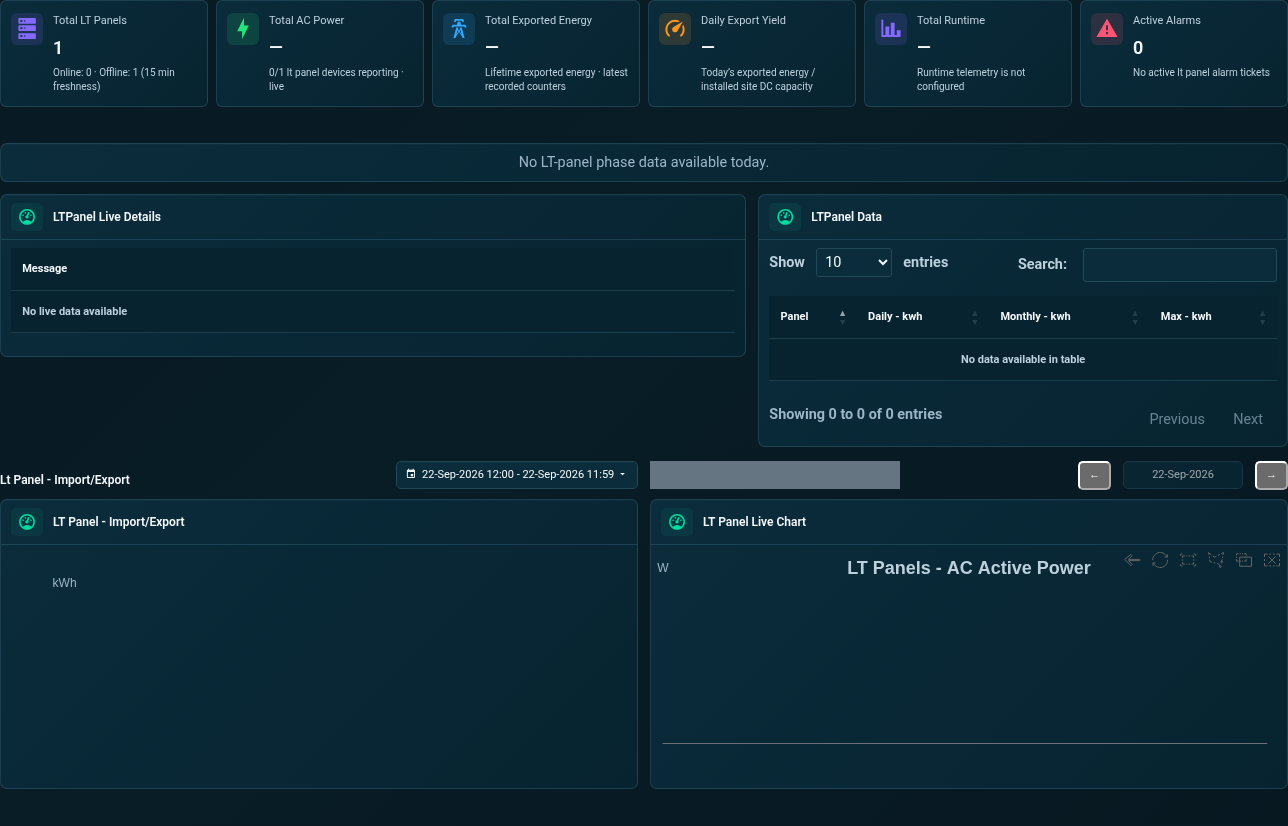
Site Dashboard · LT Panel
Review LT panel power, phase voltage, current, frequency, import/export history and trend charts.
SEMS PLATFORM · 21
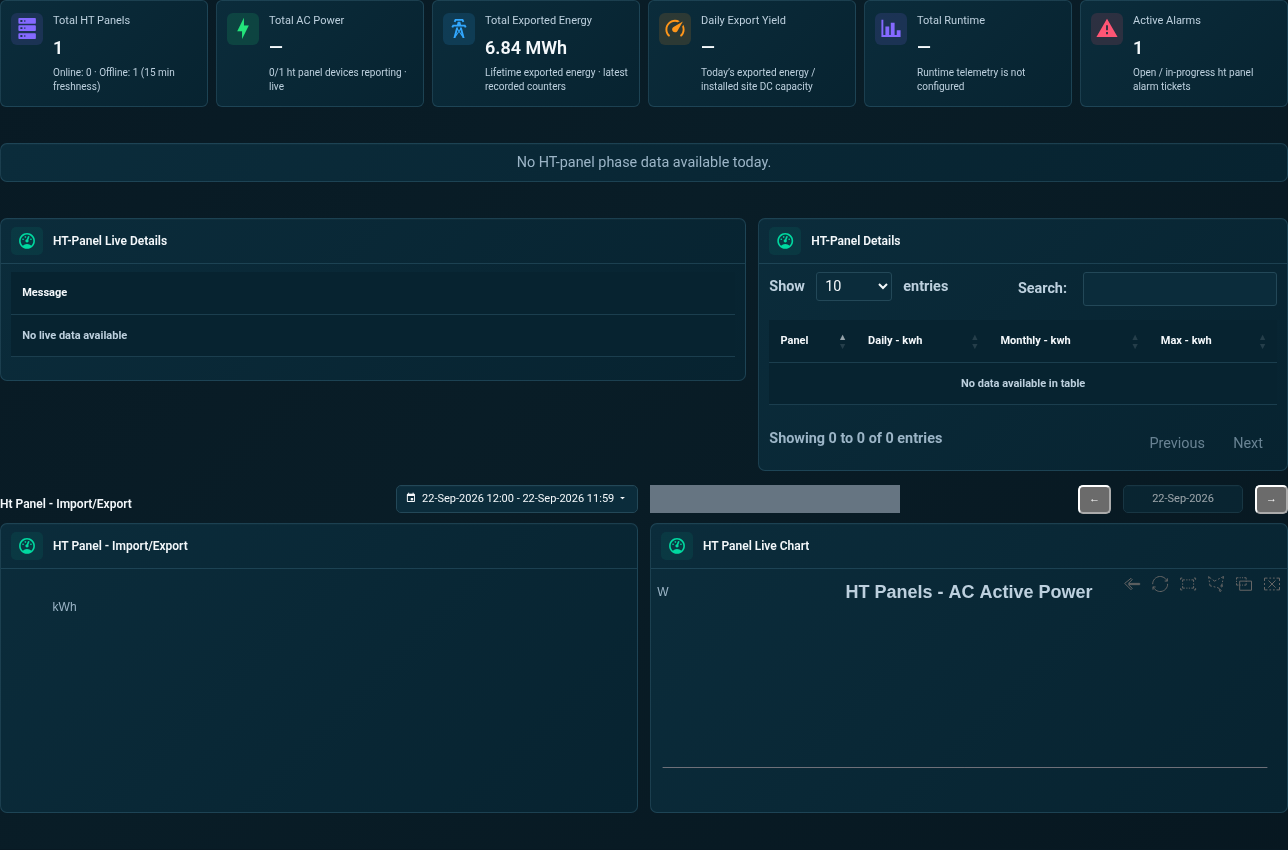
Site Dashboard · HT Panel
Inspect HT panel electrical indicators, live readings, import/export totals and historical charts.
SEMS PLATFORM · 22
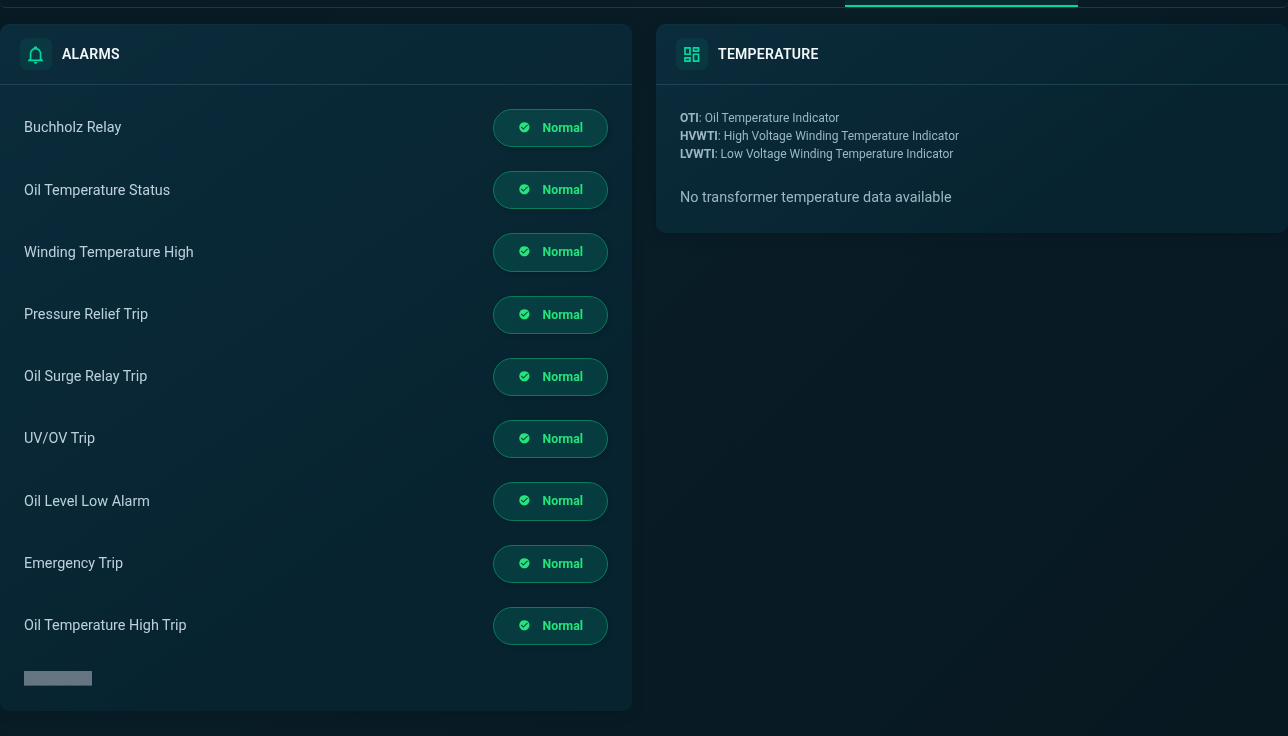
Transformer Alarms and Temperature
Review transformer alarm indicators and temperature channels. Missing readings remain visible as no-data states.
SEMS PLATFORM · 23
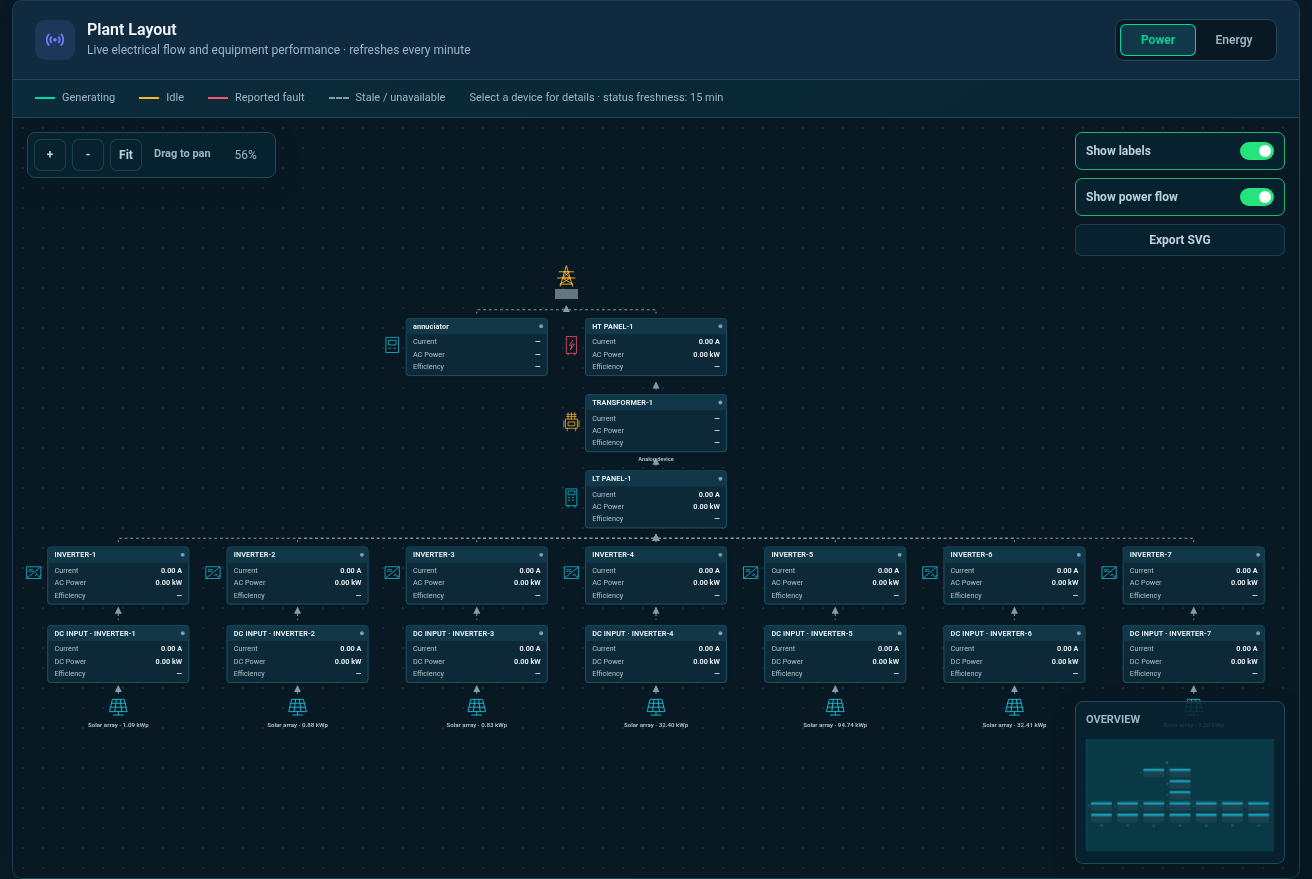
Plant Layout · Power
Follow the plant’s electrical connections from grid and panel equipment to inverters and solar panels in Power mode.
SEMS PLATFORM · 24
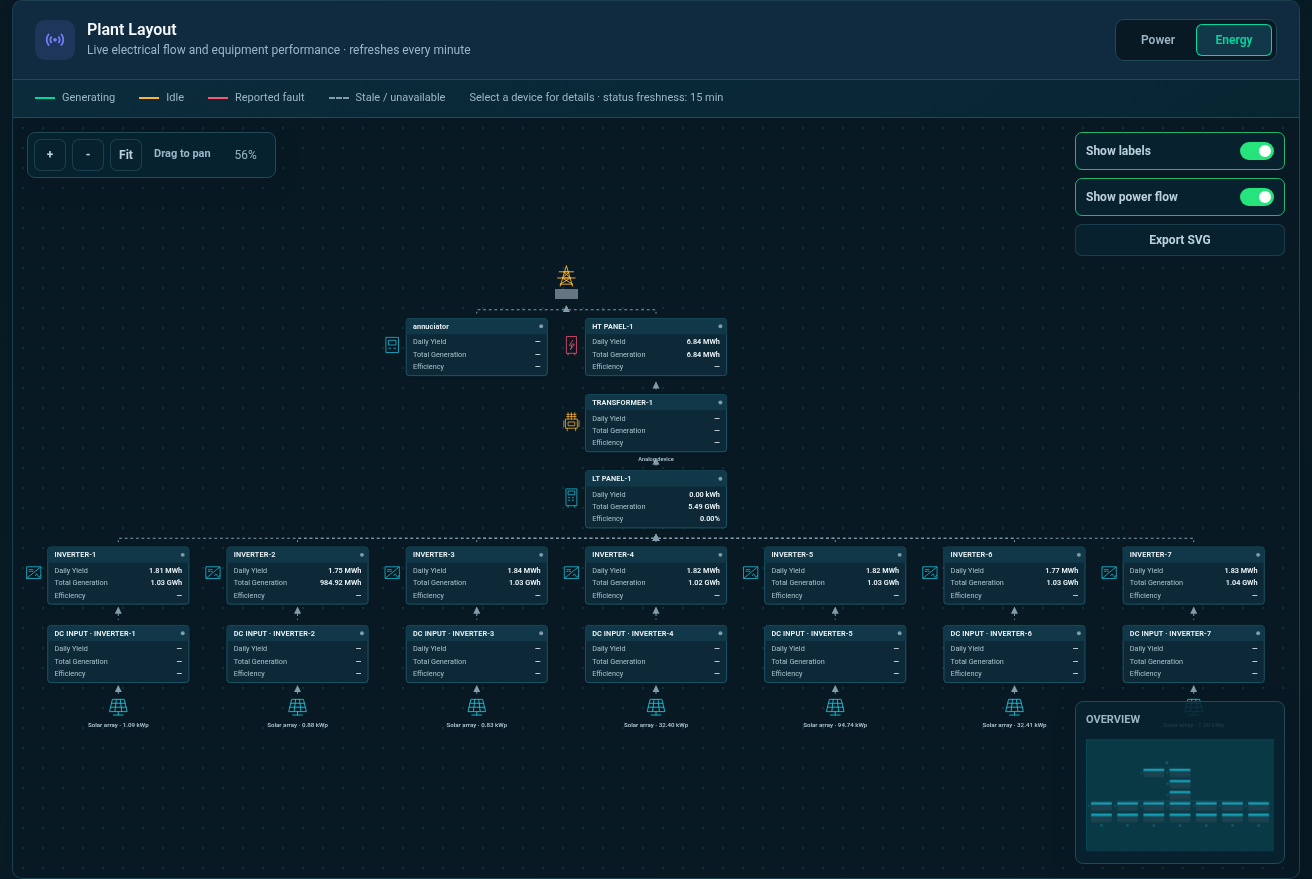
Plant Layout · Energy
Switch the same plant layout to Energy mode to inspect generation across the connected equipment.
SEMS PLATFORM · 25
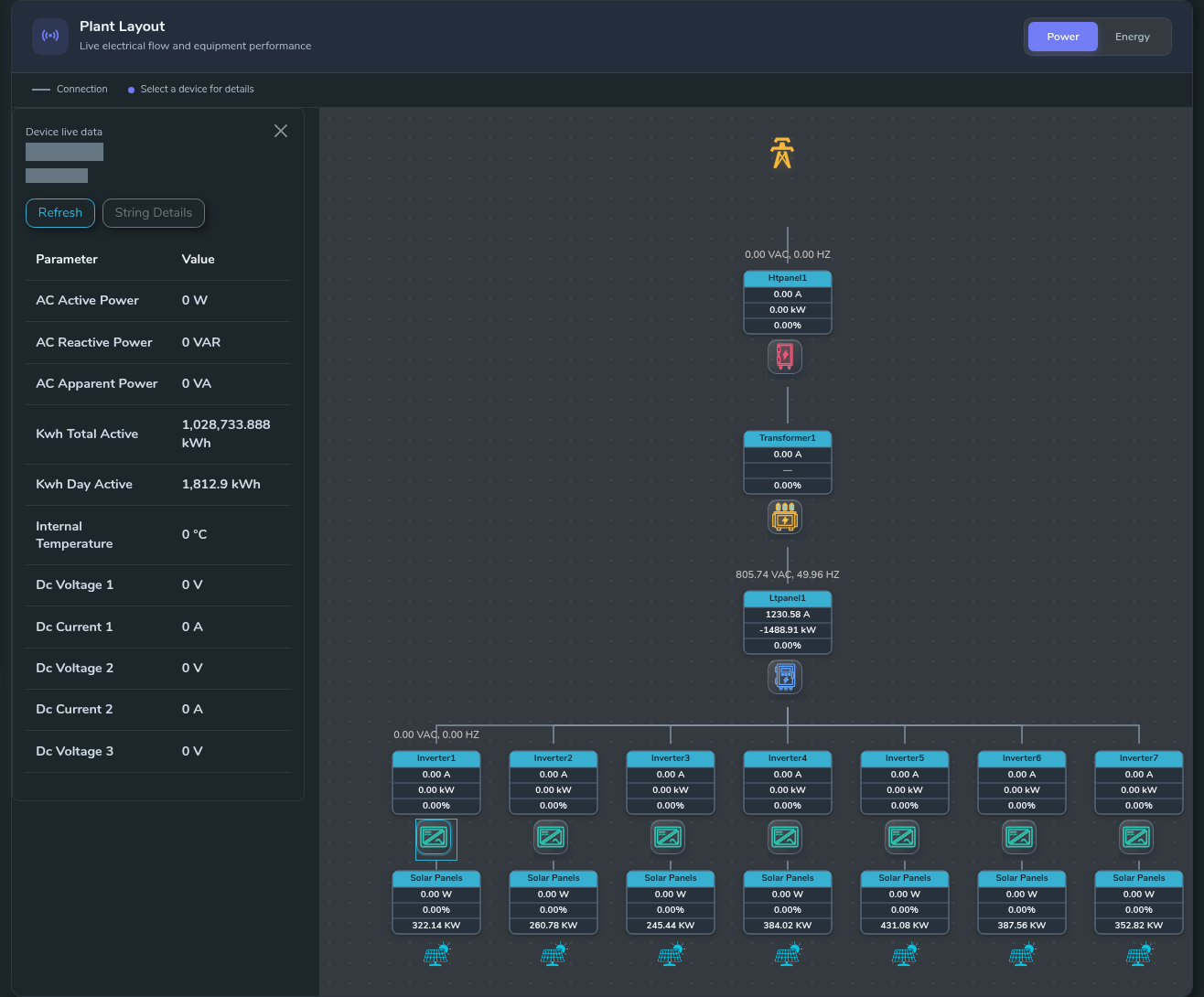
Plant Layout · Device Live Data
Open a device’s live-data panel directly from its position in the plant layout.
SEMS PLATFORM · 26
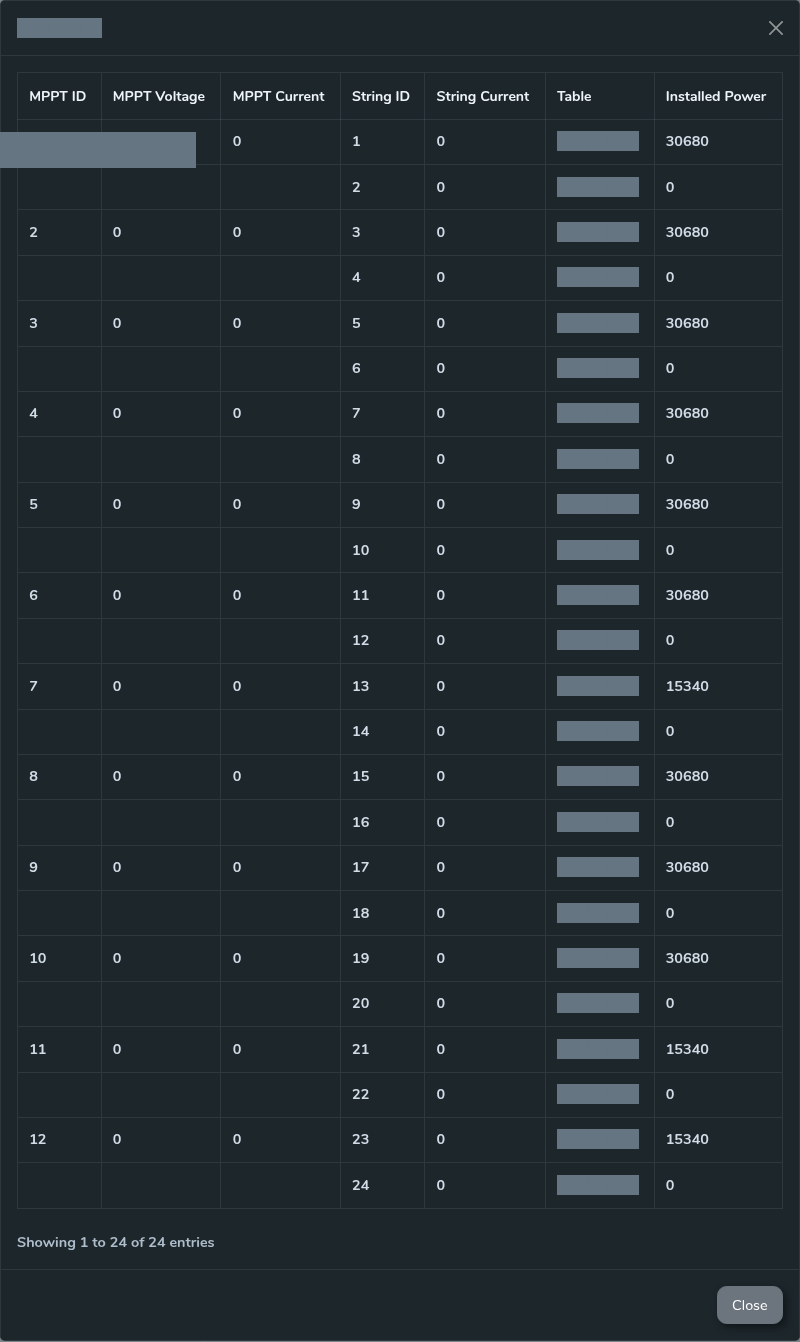
Plant Layout · String Details
Inspect string details from the inverter’s layout panel using the expandable string list.
SEMS PLATFORM · 27
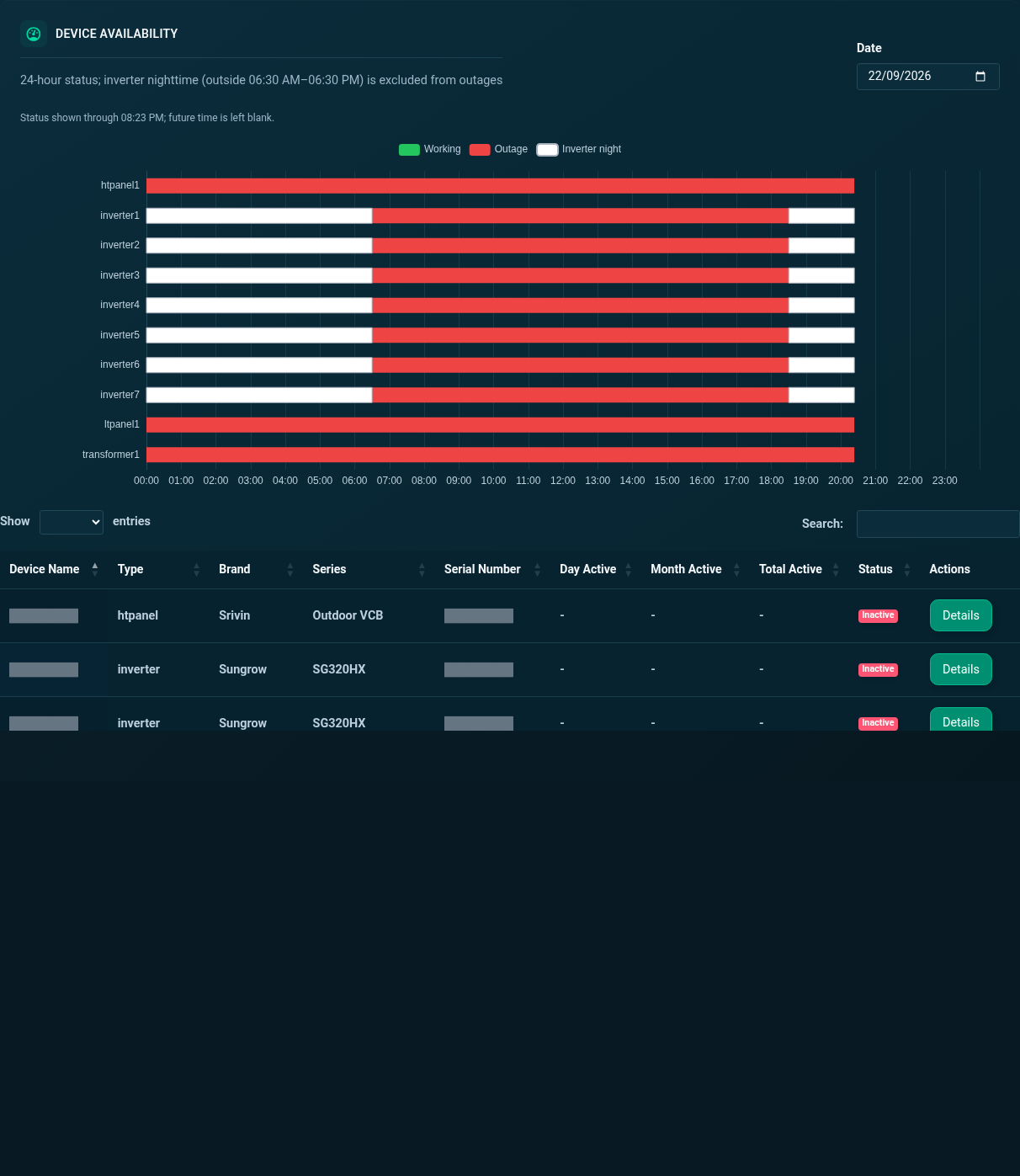
Site Devices · Availability and List
Review device availability across the day, then browse the site’s equipment list and activity status.
SEMS PLATFORM · 28
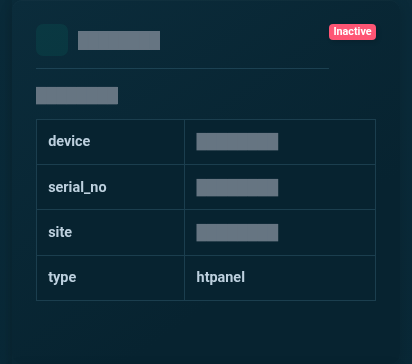
Device Live Data · HT Panel
Inspect the latest htpanel telemetry in a dedicated device card. The image is cropped to the upper readings for clarity, with identifying fields masked.
SEMS PLATFORM · 29
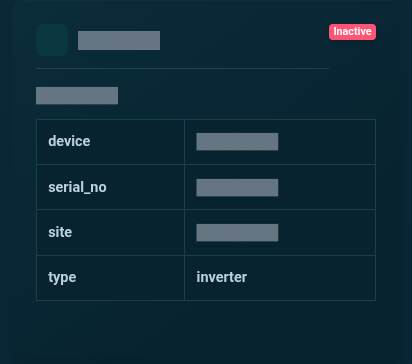
Device Live Data · Inverter
Inspect the latest inverter telemetry in a dedicated device card. The image is cropped to the upper readings for clarity, with identifying fields masked.
SEMS PLATFORM · 30
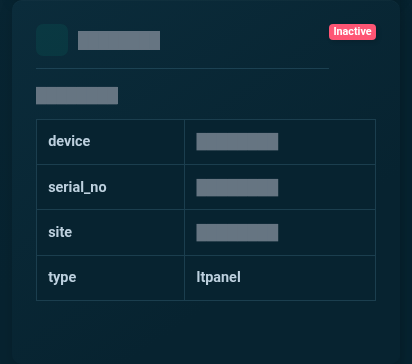
Device Live Data · LT Panel
Inspect the latest ltpanel telemetry in a dedicated device card. The image is cropped to the upper readings for clarity, with identifying fields masked.
SEMS PLATFORM · 31
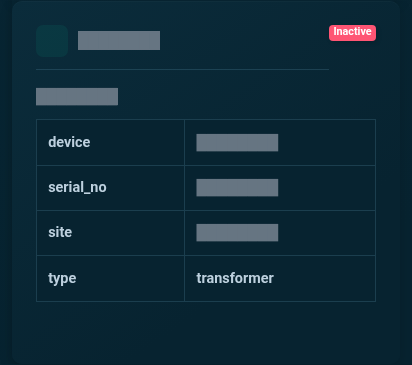
Device Live Data · Transformer
Inspect the latest transformer telemetry in a dedicated device card. The image is cropped to the upper readings for clarity, with identifying fields masked.
SEMS PLATFORM · 32
Device Profile · General Information
Inspect inverter electrical measurements, running status and MPPT voltage/current information in General Information.

SEMS PLATFORM · 33
Device Profile · Meter Parameters
Review meter import/export totals, power, frequency and phase voltages in the device profile.

SEMS PLATFORM · 34
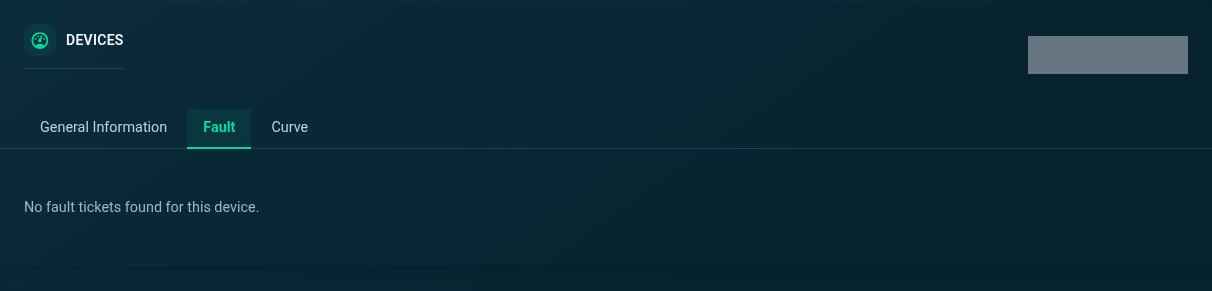
Device Profile · Fault
Use the Fault tab to inspect the selected device’s fault tickets. This capture preserves the actual empty state.
SEMS PLATFORM · 35
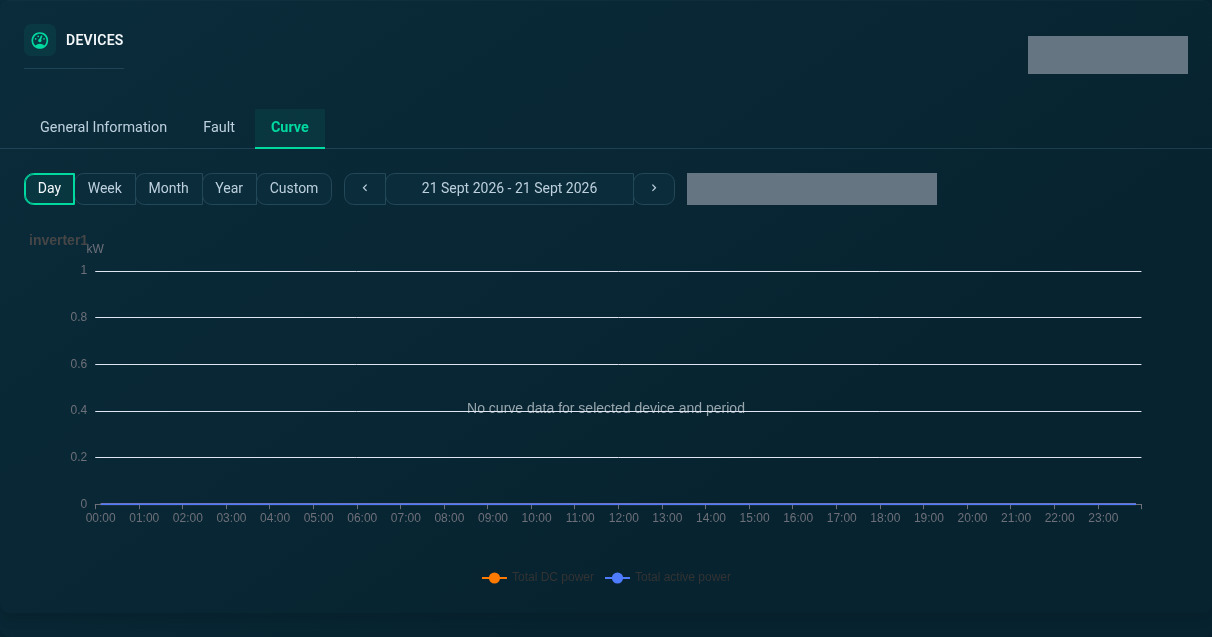
Device Curve · Day
Explore the day view of the selected inverter’s power curve. The previous day is selected in this capture.
SEMS PLATFORM · 36
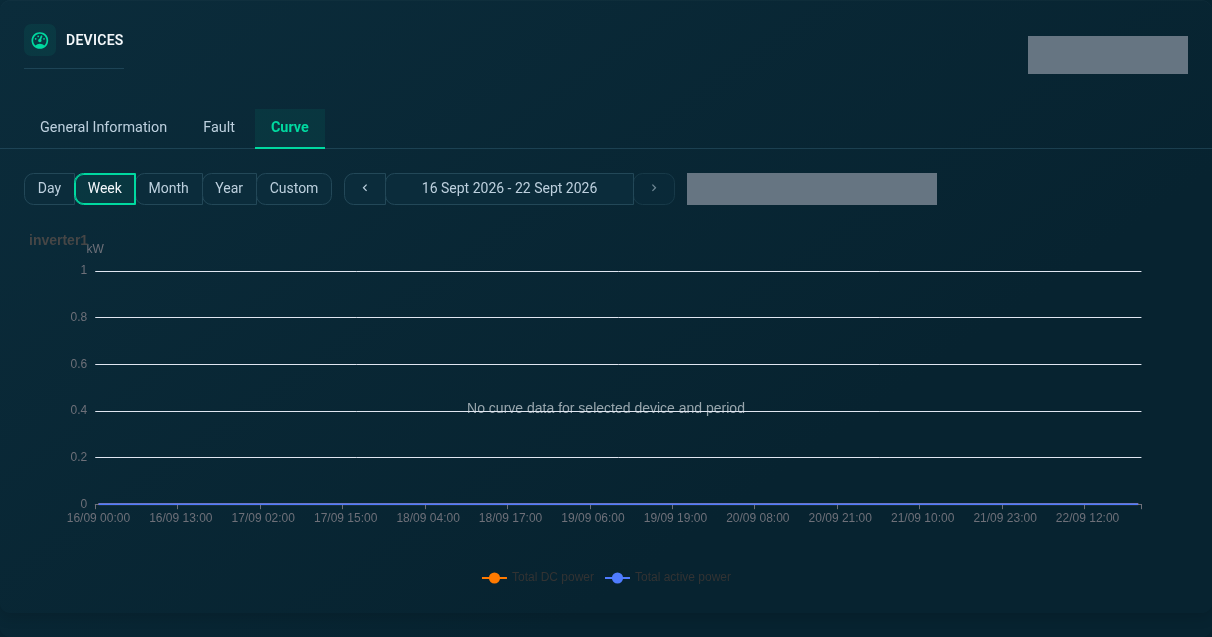
Device Curve · Week
Explore the week view of the selected inverter’s power curve.
SEMS PLATFORM · 37
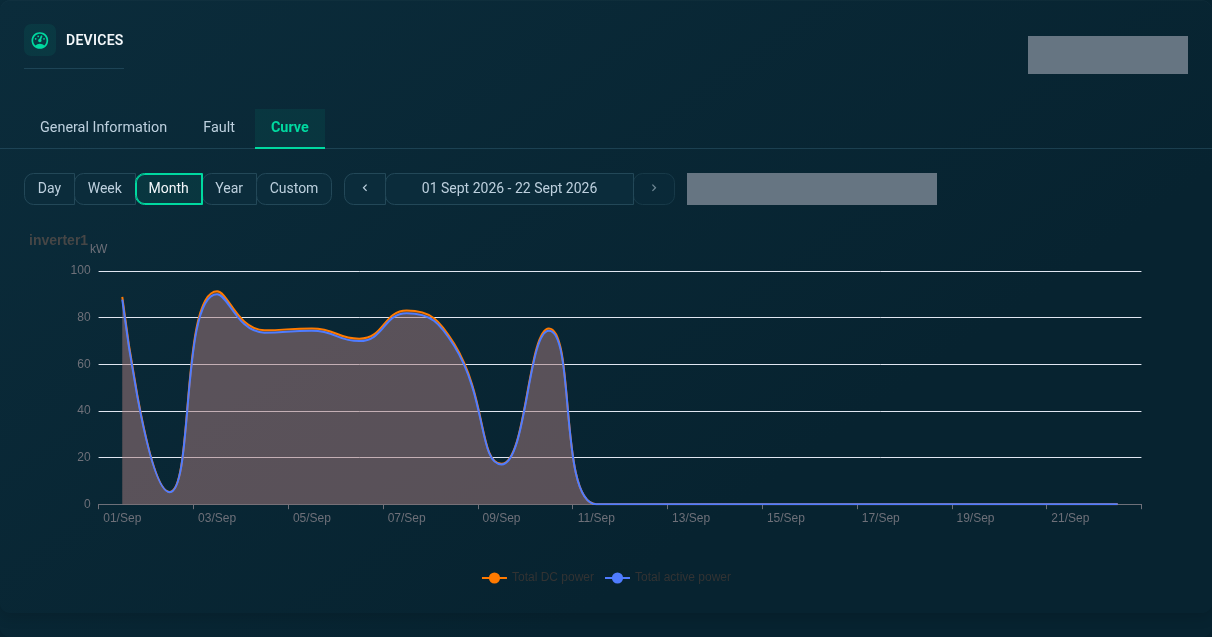
Device Curve · Month
Explore the month view of the selected inverter’s power curve.
SEMS PLATFORM · 38
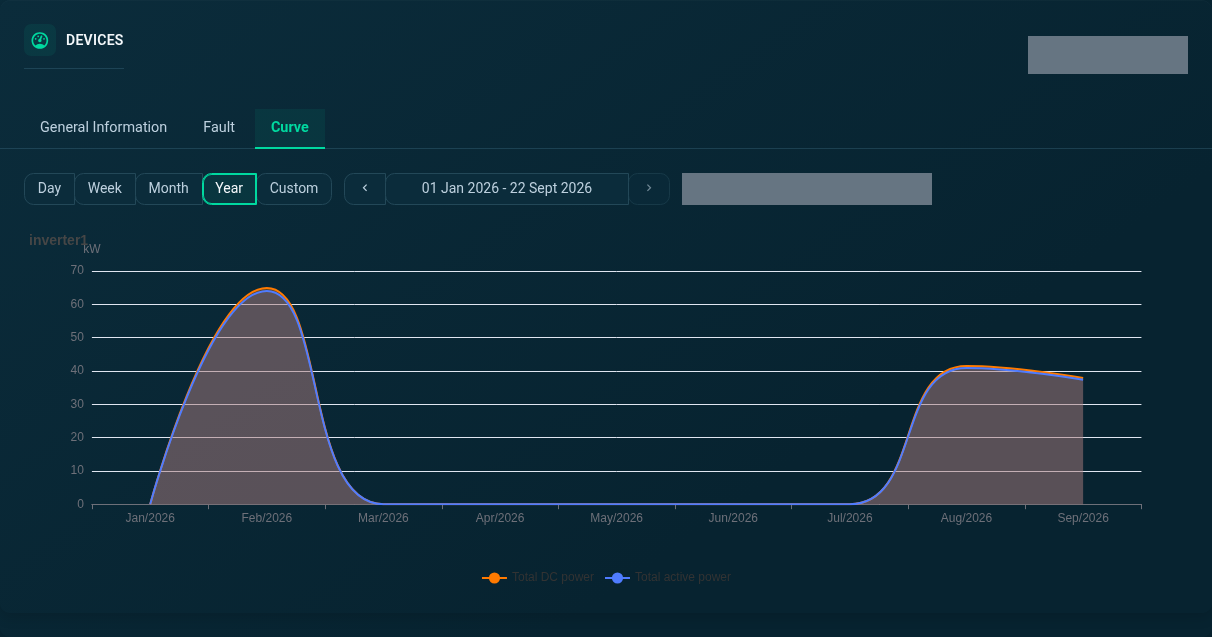
Device Curve · Year
Explore the year view of the selected inverter’s power curve.
SEMS PLATFORM · 39
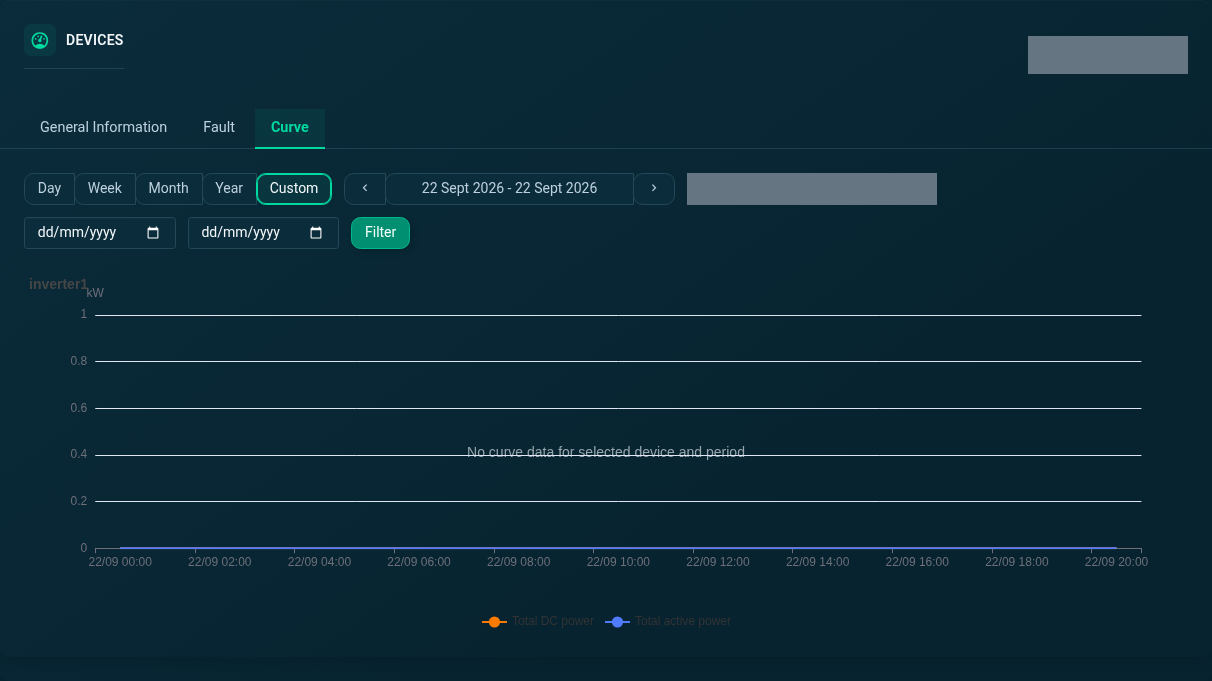
Device Curve · Custom
Explore the custom view of the selected inverter’s power curve. Custom mode exposes date-range controls; this screenshot preserves the current no-data state.
SEMS PLATFORM · 40
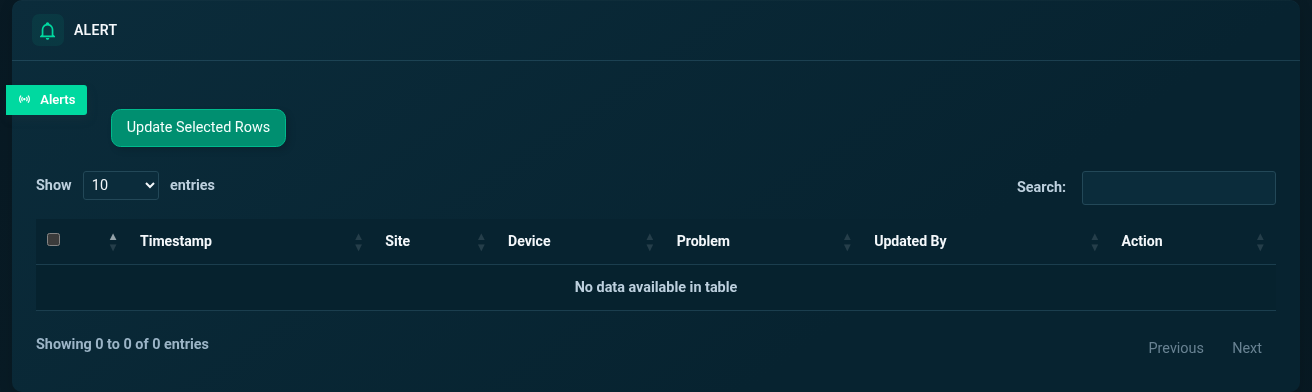
Site Alerts
Review the site-filtered alarm table. This capture shows the application’s actual available records or empty state.
SEMS PLATFORM · 41
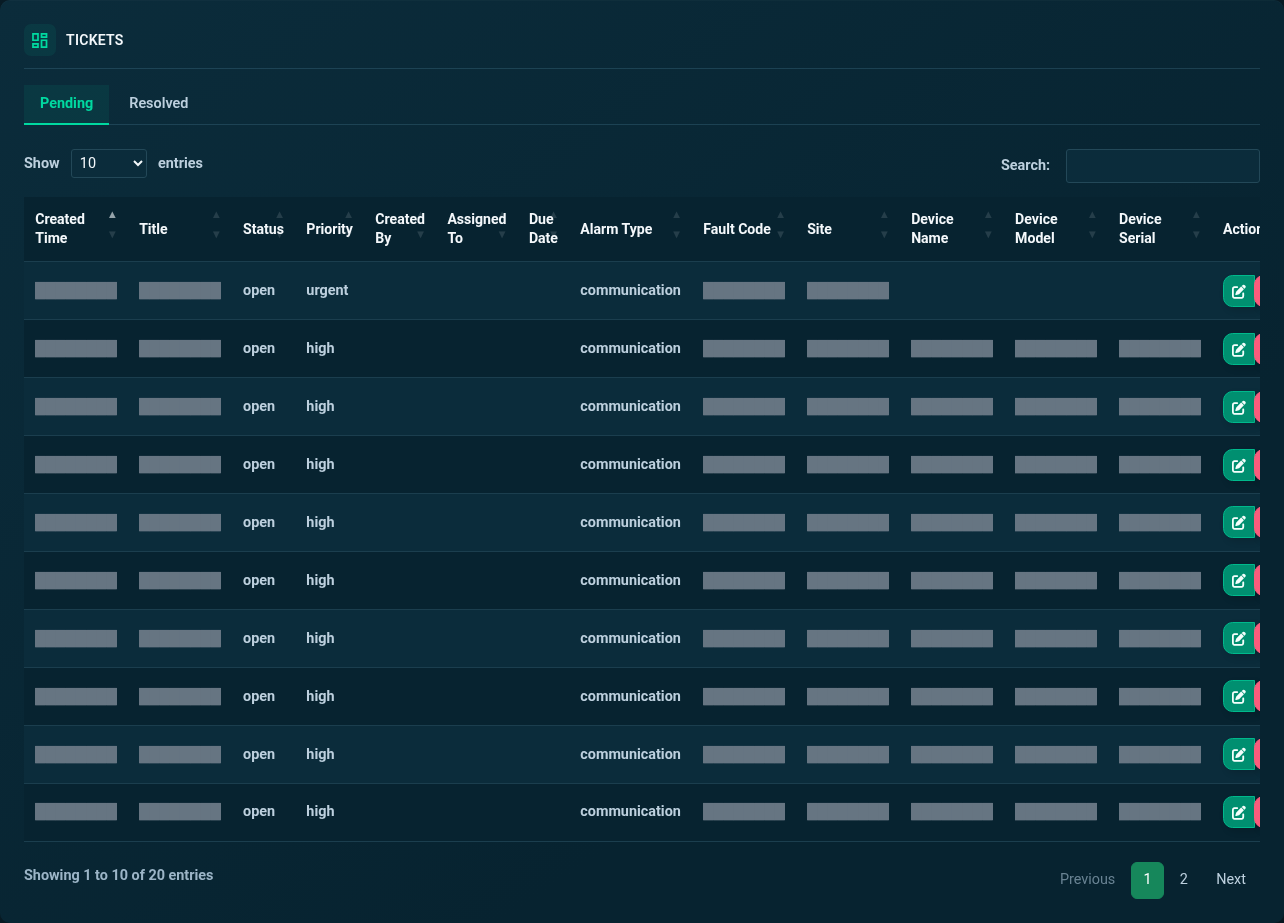
Tickets · Pending
Review pending tickets by status, priority and alarm type. Customer details and free-text messages are masked.
SEMS PLATFORM · 42
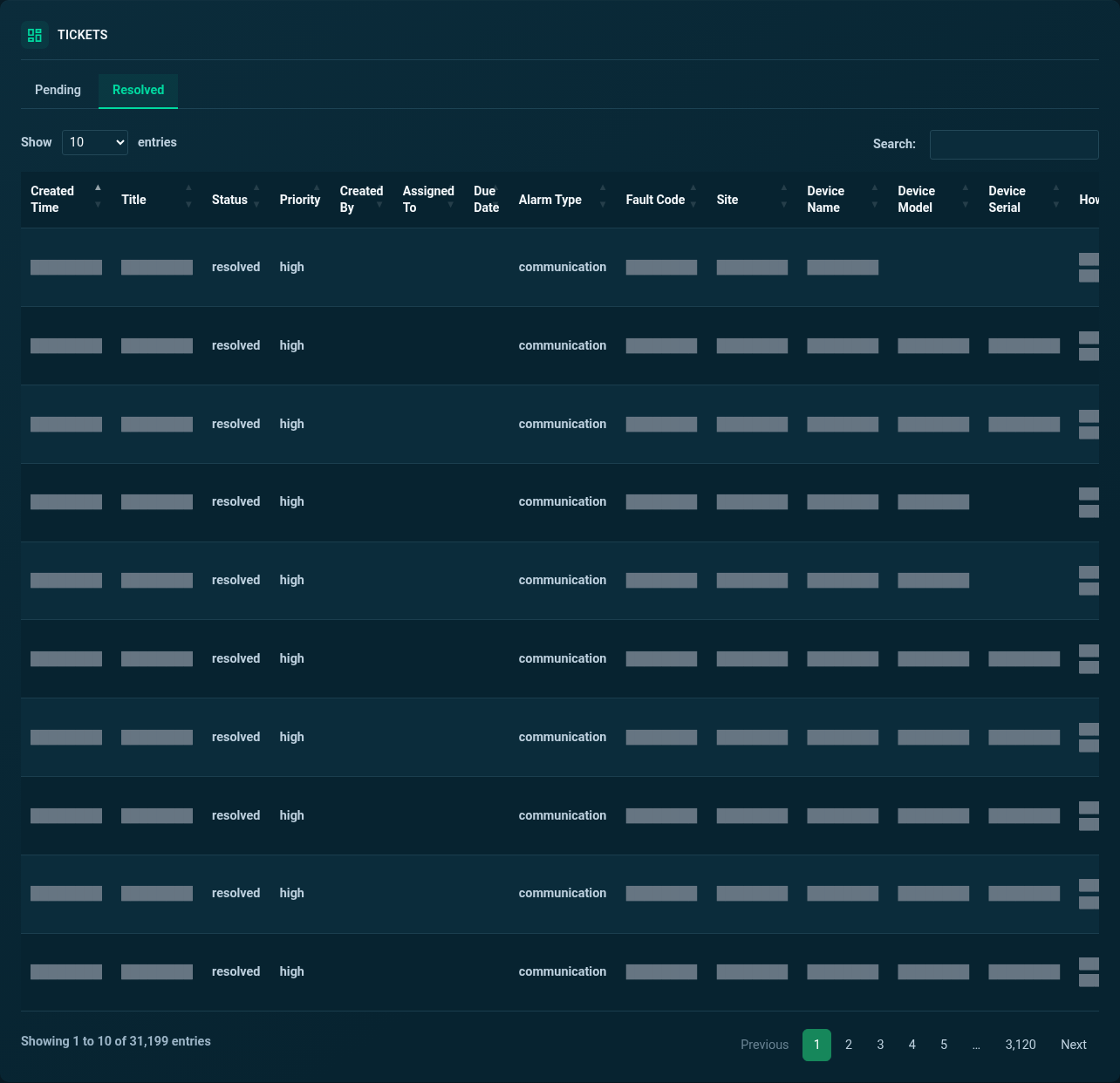
Tickets · Resolved
Review the resolved-ticket list separately from pending work, with identifying information masked.