See Your Energy in Real Time
SEMS is a solar and energy monitoring product of Sybel Micro Solutions. This tour shows real application screens that connect site information with equipment, historical periods and operational records. Use the walkthrough to identify the views relevant to your own monitoring questions.
From the overview to the evidence
A routine review can begin with the current site information and reporting state. The next step depends on the question: generation may lead to inverter comparisons, an electrical observation to panel readings, and an event to alarm or ticket context. Historical curves help inspect how a condition developed.
Evaluate the available information
The screenshots show the actual interface at capture time, including genuine empty states. Private information is masked, and displayed readings are not live public telemetry. Data availability depends on the connected sources and configuration; specific protocols, exports and deployment arrangements should be confirmed during a demo.
Open the complete screenshot library, read the solution guides, or request a SEMS demonstration with the operational questions your team needs to answer.
Frequently asked questions
What can I see in the SEMS product tour?
The tour shows real SEMS views for site monitoring, devices, alarms, reports and generation trends. Each image illustrates the interface available when it was captured; the views in a particular deployment depend on its connected data and configuration.
Are these screenshots from the actual product?
Yes. The images come from the SEMS application, with private information masked before publication. They are product examples rather than a live feed from a customer installation.
How should I evaluate SEMS for my sites?
Start with the measurements and operational questions that matter to your team. Review the relevant solution pages, then use the contact page to check enquiry availability and discuss the required monitoring scope.
Real SEMS application screens. Private information has been masked; readings reflect the capture time.
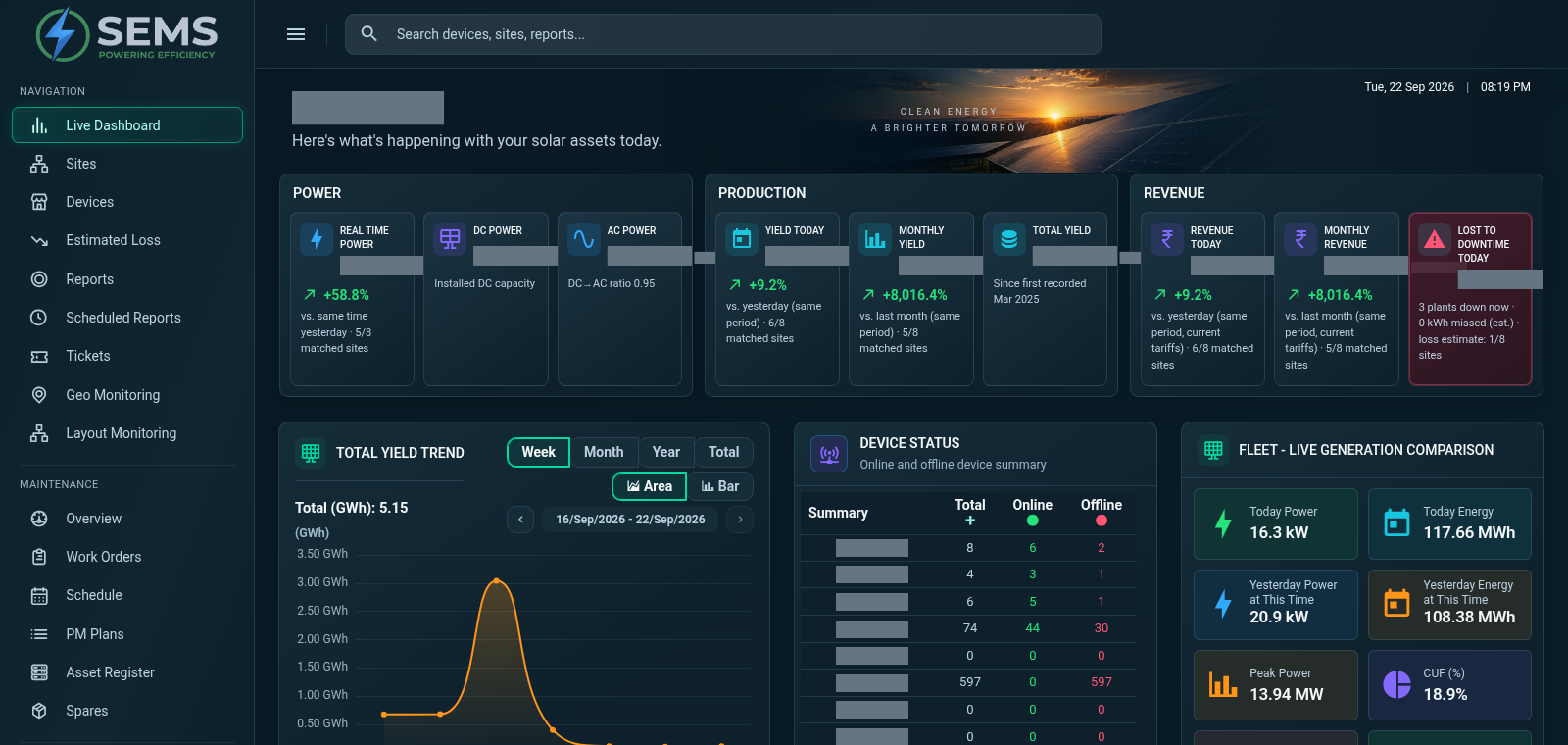
SEMS PLATFORM · 01
Main Dashboard
Review power, production and site performance from a centralized dashboard. The site summary brings electrical readings, energy and yield indicators together.
SEMS PLATFORM · 02
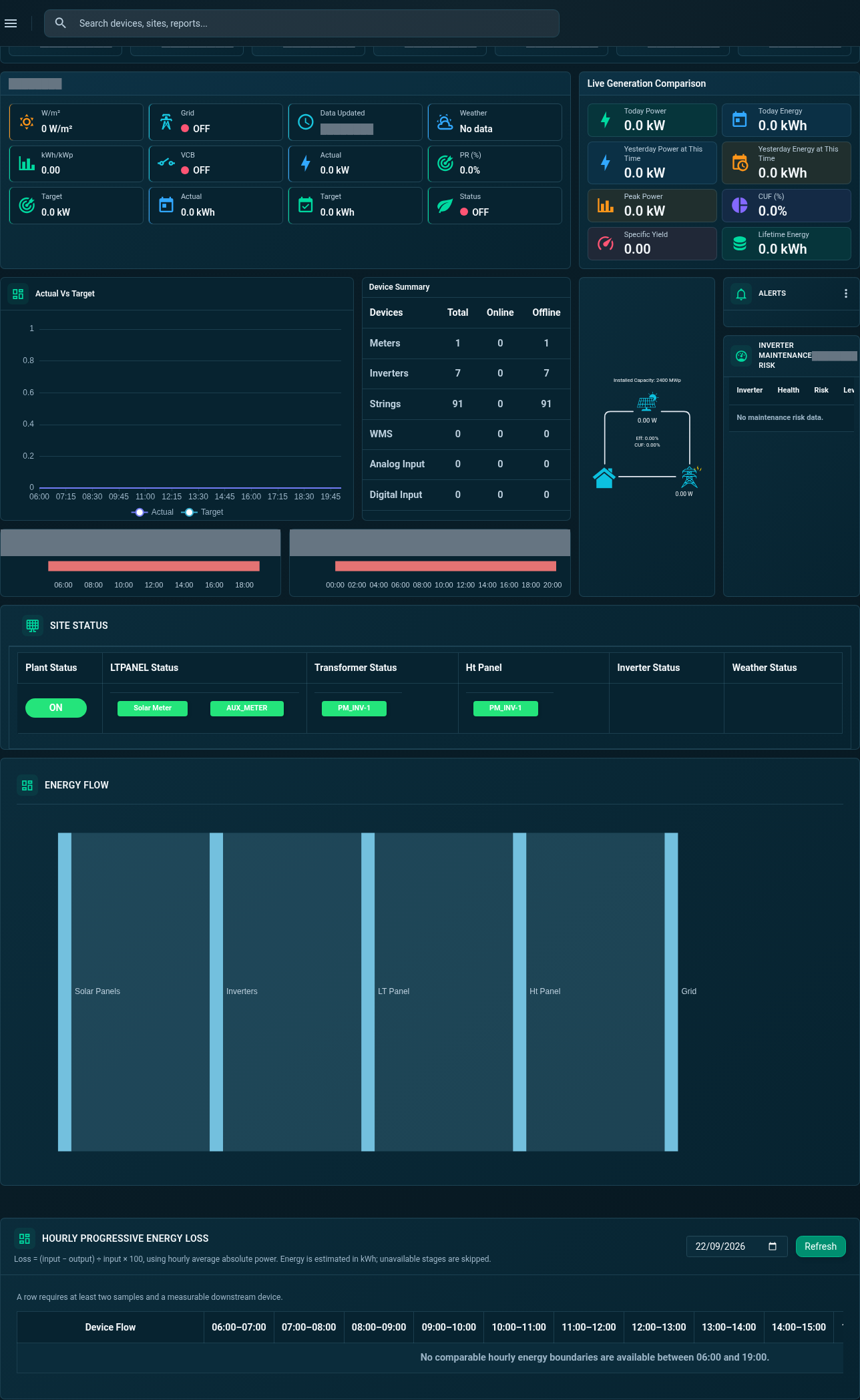
Site Dashboard · General
Review actual-versus-target generation, device summaries, operational status and energy information in the General dashboard.
SEMS PLATFORM · 03
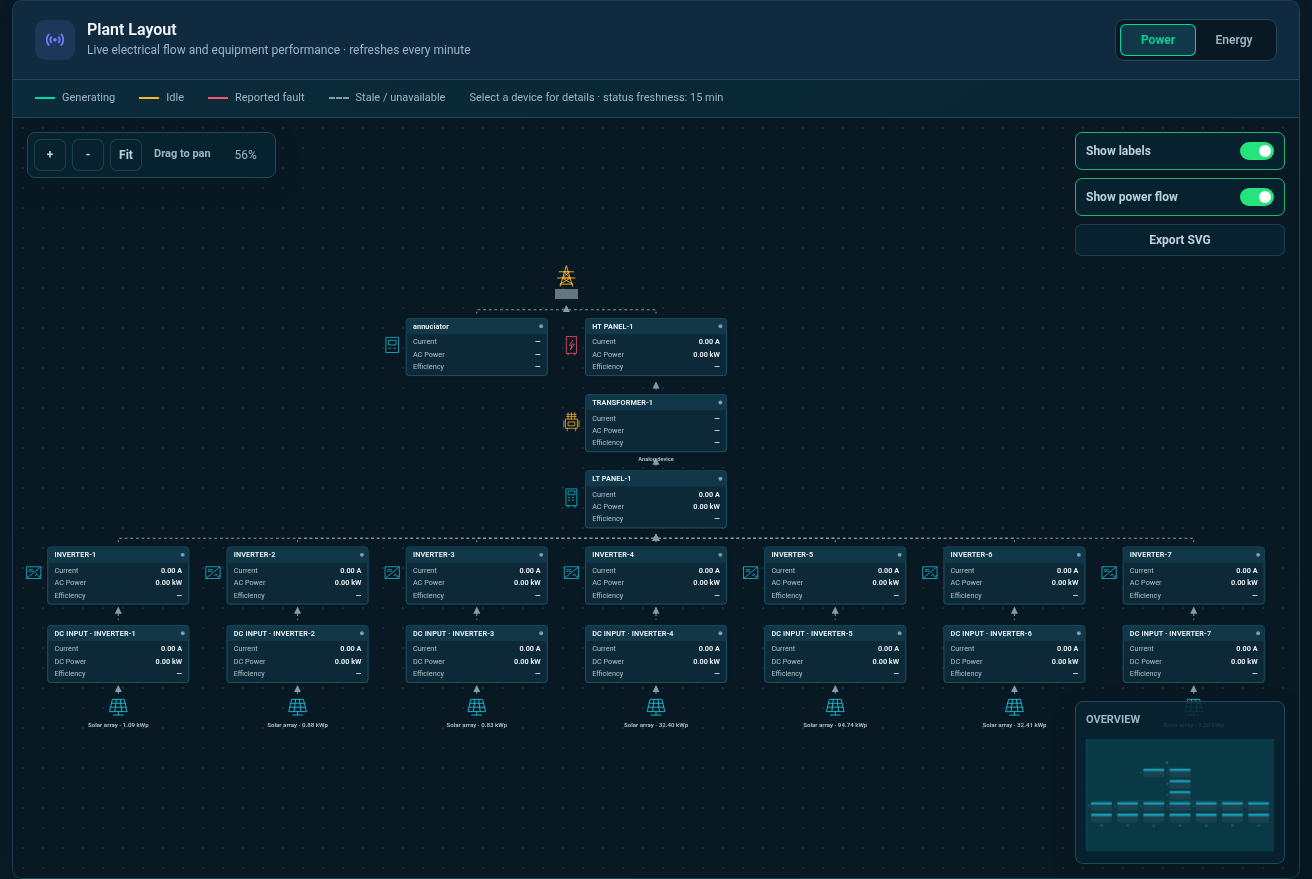
Plant Layout · Power
Follow the plant’s electrical connections from grid and panel equipment to inverters and solar panels in Power mode.
SEMS PLATFORM · 04
Site Dashboard · Inverters
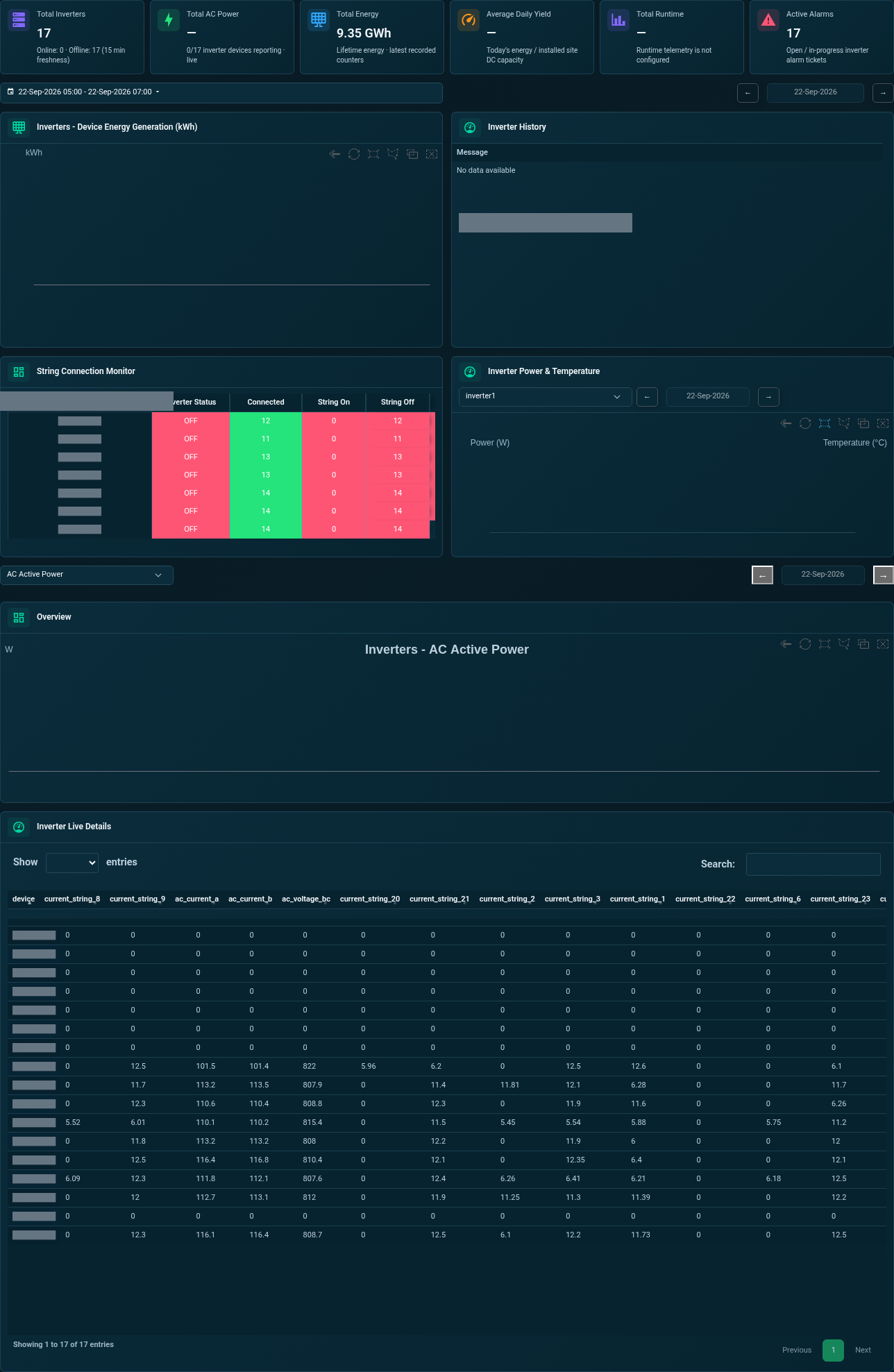
Explore generation comparisons, connected strings, temperature charts and live inverter readings from one tab.
SEMS PLATFORM · 05
Site Dashboard · LT Panel
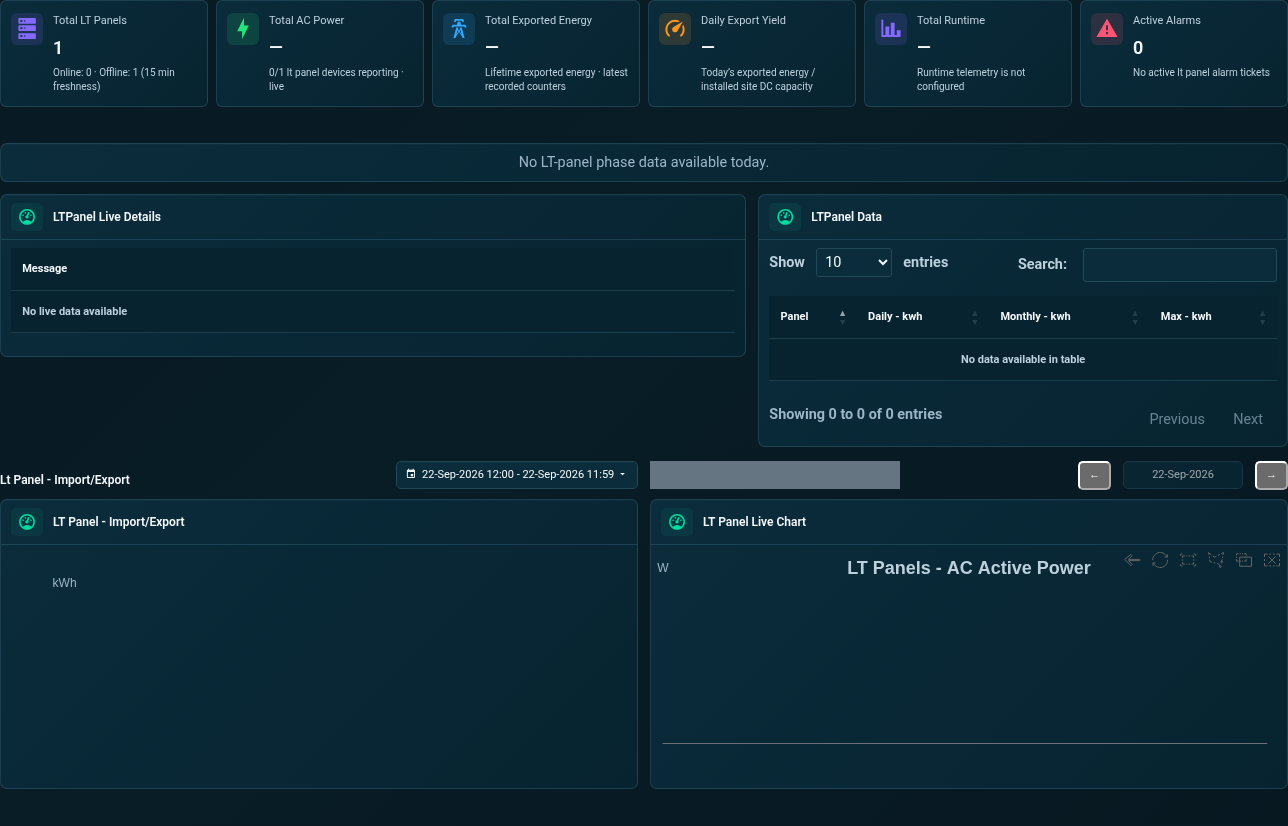
Review LT panel power, phase voltage, current, frequency, import/export history and trend charts.
SEMS PLATFORM · 06
Transformer Alarms and Temperature
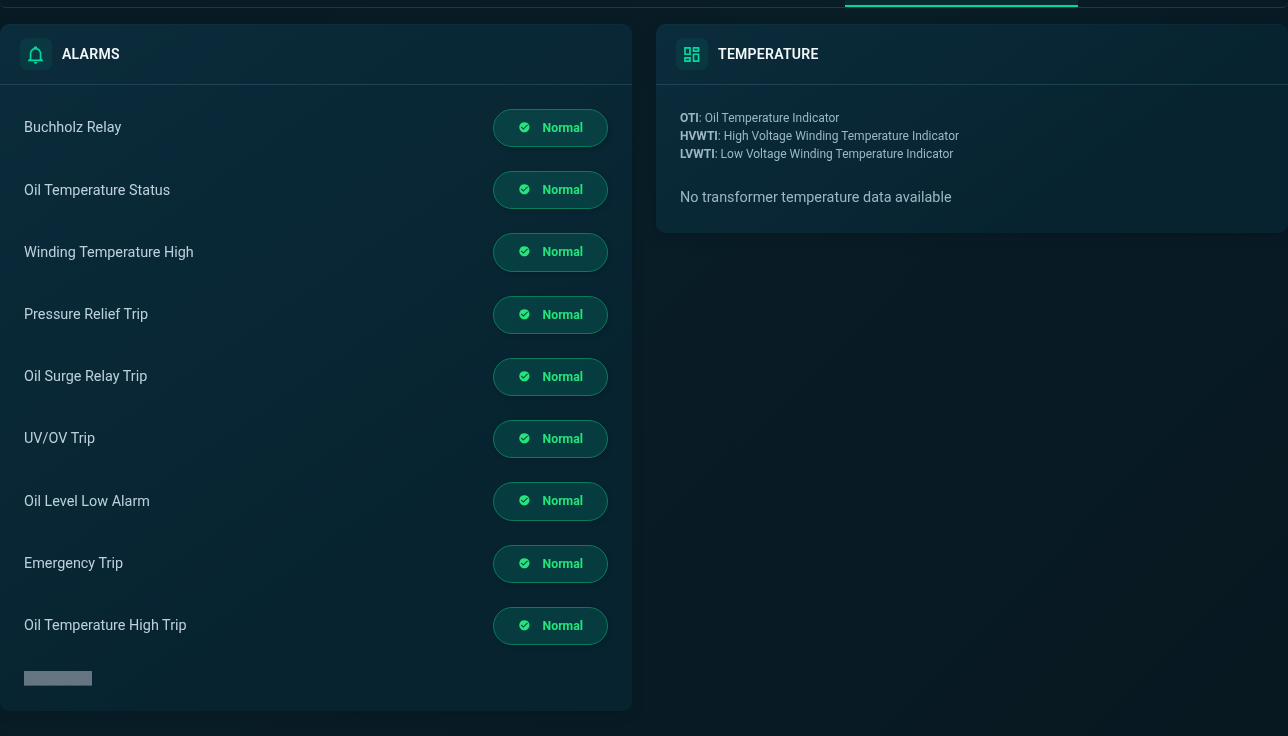
Review transformer alarm indicators and temperature channels. Missing readings remain visible as no-data states.
SEMS PLATFORM · 07
Site Devices · Availability and List
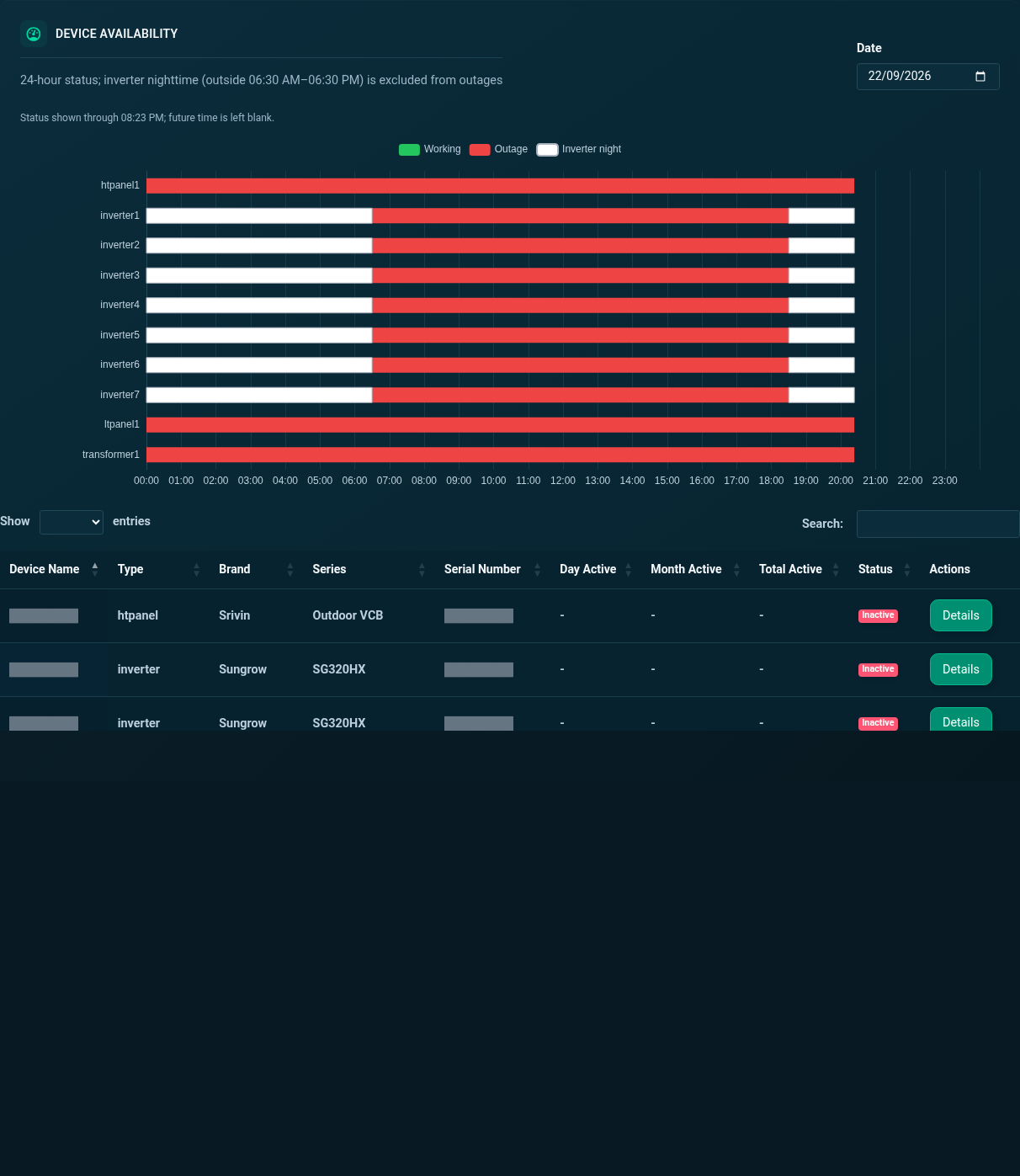
Review device availability across the day, then browse the site’s equipment list and activity status.
SEMS PLATFORM · 08
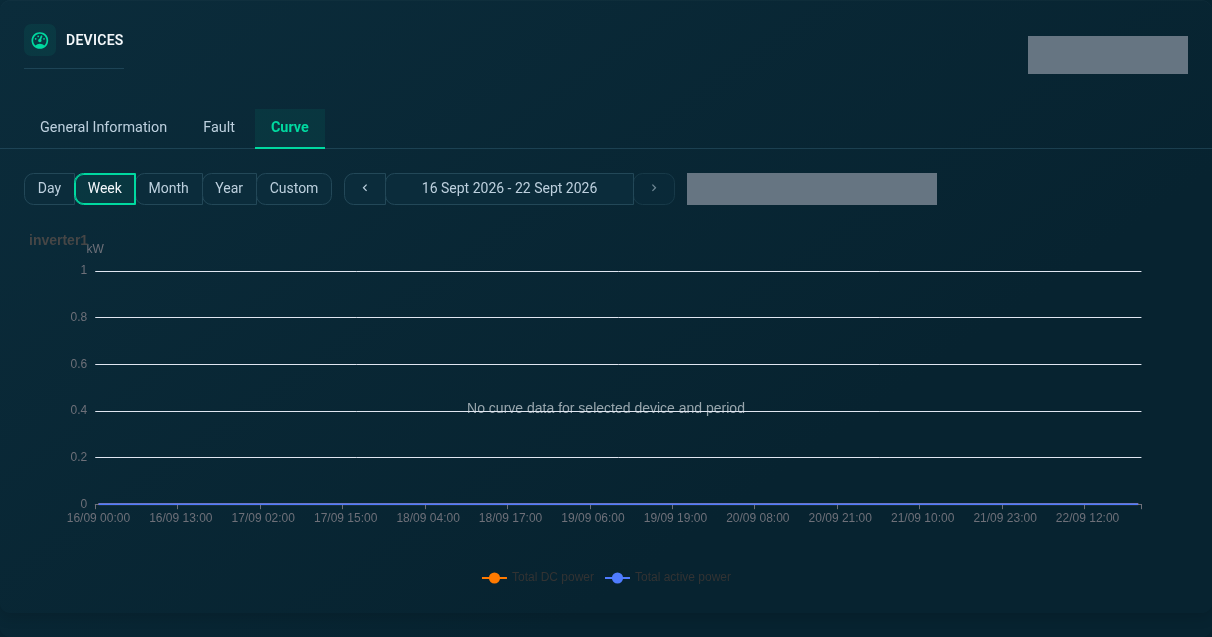
Device Curve · Week
Explore the week view of the selected inverter’s power curve.
SEMS PLATFORM · 09
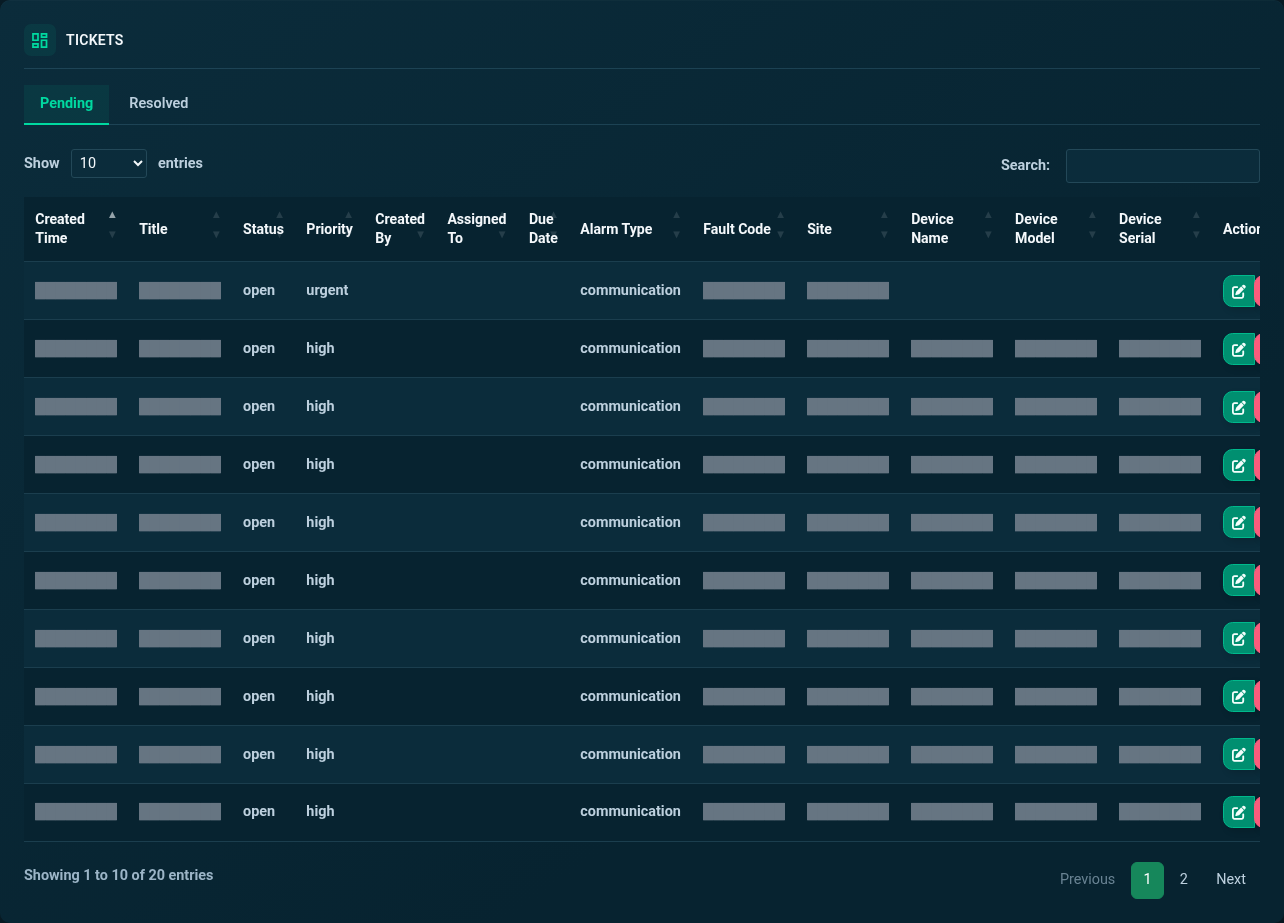
Tickets · Pending
Review pending tickets by status, priority and alarm type. Customer details and free-text messages are masked.
SEMS PLATFORM · 10
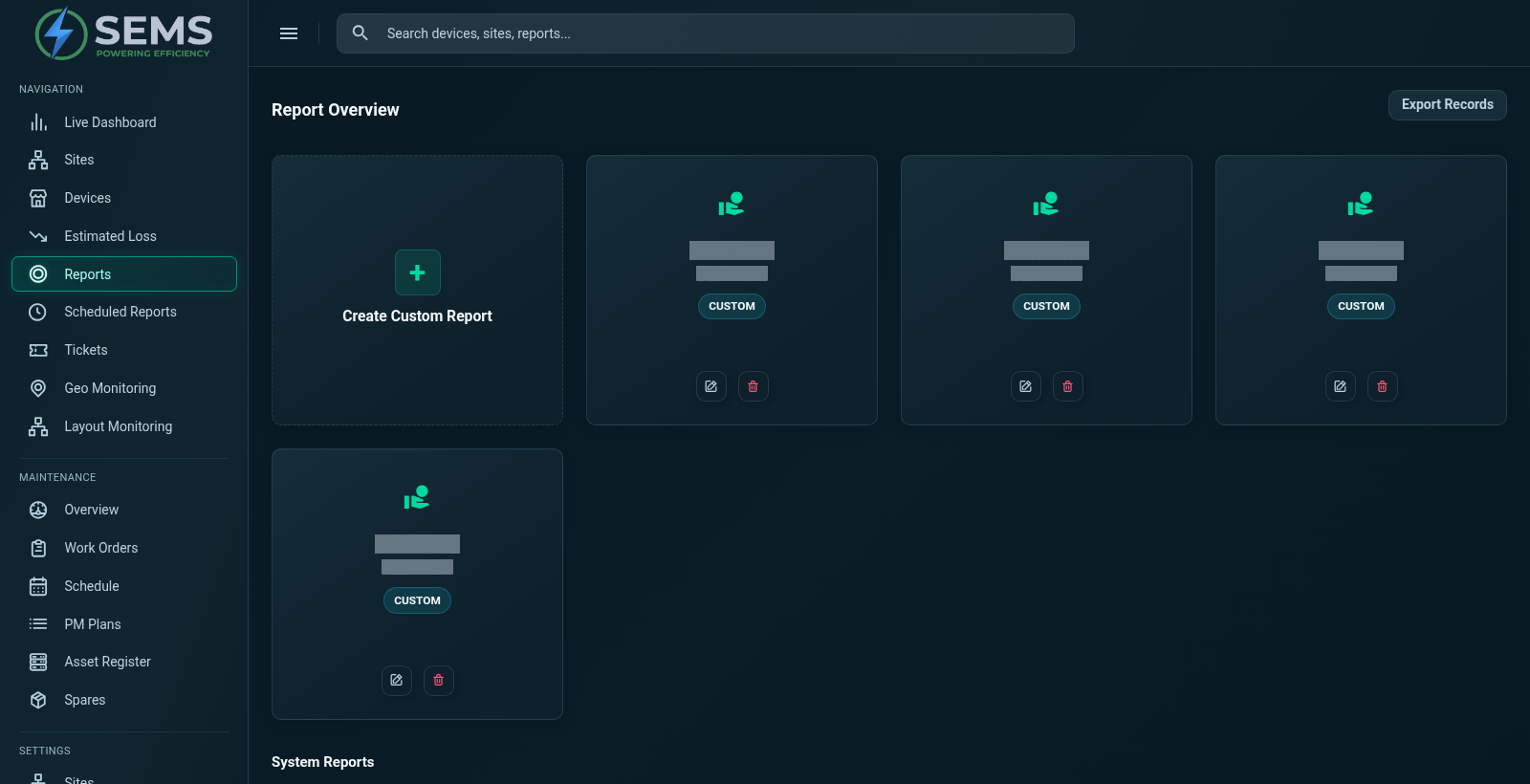
Analytics & Reports
Access plant, yield and device report categories from the report overview. Existing custom reports appear alongside the system report options.